EasyManua.ls Logo

Montgomery Ward 779509 - User Manual

Default Icon
8 pages
Print Icon
To Next Page IconTo Next Page
Loading...
Instruction Manual
Item: 779509
Wards.com 1•8885573848
Montgomery Ward Customer Service
8:00 am to Midnight, Monday through Friday
Household
help!
Wards.com 1•8885573848
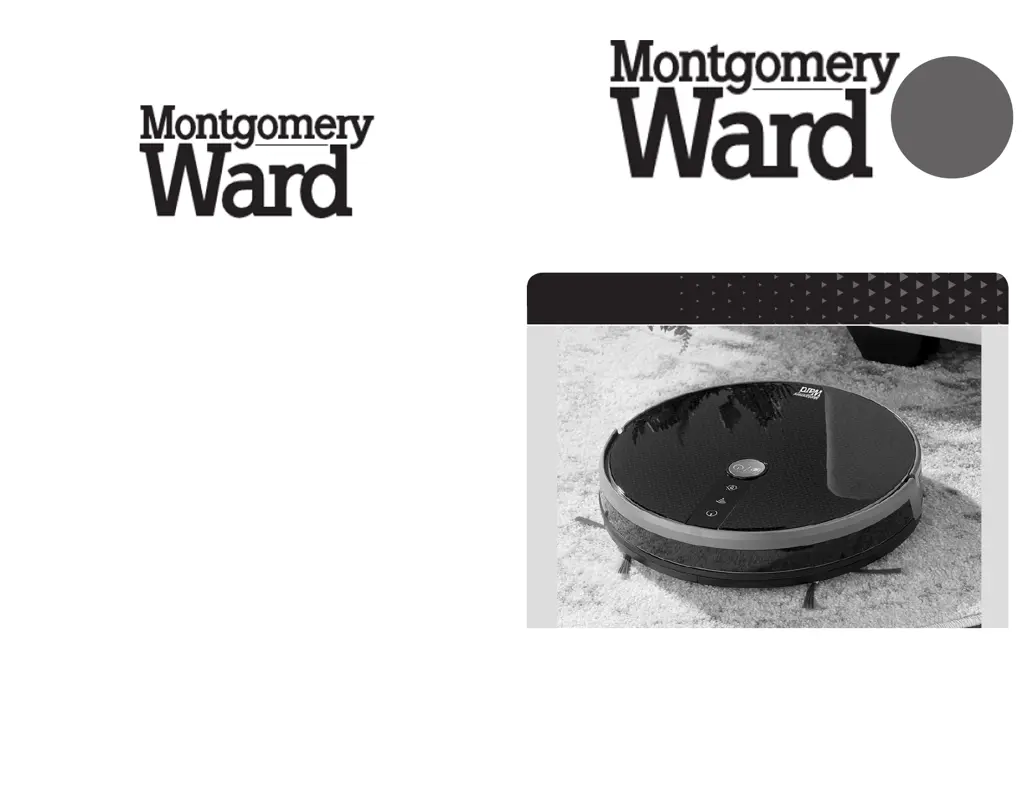
Robot Vacuum
®
®

Questions and Answers

  • P
    privasAug 4, 2025
    Why does my Montgomery Ward 779509 move erratically?
    • M
      Madison DavisAug 4, 2025
      If your Montgomery Ward Vacuum Cleaner's movement is erratic or it keeps turning in circles, it could be due to several reasons. First, check the roller brush and wheels for any debris and clean them thoroughly. Secondly, the sensors might be dusty, so clean them gently. Finally, the bumper might be stuck on an object; in this case, redirect the vacuum using the arrow buttons on the remote control.
  • A
    Ashley StarkAug 17, 2025
    What to do if my Montgomery Ward 779509 Vacuum Cleaner does not back off the charging dock?
    • D
      Daniel KellyAug 17, 2025
      If your Montgomery Ward Vacuum Cleaner does not back off the charging dock, it might be due to the battery not being charged. Press the POWER button to turn it on, indicated by a green POWER light. Ensure that the vacuum is correctly positioned on the charging base to allow the battery to charge properly.

Summary

Important Safeguards

Electrical Safety

Specifications

Parts & Features Overview

Top View Parts

Identifies numbered components like vacuum display, buttons, brushes, bumper, and wheels from the top.

Bottom View Parts

Details numbered parts such as charging poles, battery compartment, and drive wheels found on the bottom.

How to Use: Operation and Setup

Charging the Robot Vacuum

Instructions for connecting the charging dock and placing the vacuum for charging.

Operating the Robot Vacuum

Guidance on using different cleaning modes and manual control via remote.

Recharging and Sleep Mode

Information on automatic recharging and the vacuum's sleep mode.

Setting the Clock

Step-by-step guide to setting the clock on the remote control.

Scheduling Cleaning Plans

Instructions for setting up automated cleaning schedules.

How to Use: Maintenance and App

Dust Bin Maintenance

Procedure for removing, emptying, and cleaning the dust bin and its filters.

Water Tank and Mopping

Instructions for using the water tank for damp mopping and its care.

Smart Life Application Setup

Guide to installing and connecting the robot vacuum to the Smart Life app.

Cleaning and Care Instructions

Troubleshooting Common Issues

Vacuum Not Charging

Solutions for when the vacuum fails to charge or back off the dock.

Erratic Movement or Circular Motion

Diagnosing and fixing issues causing the vacuum to move erratically or spin.

Returns and Warranty Information

Product Return Process

Details on how to return an item and where to send it.

One Year Limited Warranty

Overview of the product's warranty coverage and limitations.

Montgomery Ward 779509 Specifications

General IconGeneral
BrandMontgomery Ward
Model779509
CategoryVacuum Cleaner
LanguageEnglish