The video screen is black and the data rate goes down to 0KB.
What shall I do?
When Scout is still connected and the data rate goes down to 0KB with
no video, it could mean WiFi bandwidth can’t support video
transmission. Set the video resolution and frame low to see if it is
bandwidth related.
Does Scout support motion detection?
Yes. Scout supports most of the IP camera features. Motion detect is
available when Scout is in its charging station.
Does Scout support sound detection?
The software has yet to release for this feature.
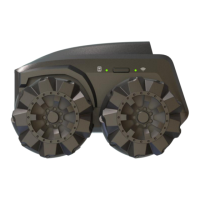
What do Mecanum wheels enable Scout to do?
Mecanum wheels are Omnidirectional. Scout can move in any
direction on the surface.
Can Scout be controlled in real-time? Can it be driven (via a
phone, laptop, or game controller) or does its movement need
to be programmed?
Yes. Scout's movement can be controlled in real time from App.
Scratch programming also allows users to control the movement of
Scout.
What is the view angle of Scout?
Scout has a 120-degree camera with 1920 x 1080 FHD resolution. The
orientation is landscape. The camera uptilts 18 degrees and expects
to see a full-body around a one-meter distance.
Can I save Scout videos?
Yes. Scout's video can be saved to the onboard flash. During the
patrol, if the event is triggered, such as a human body or pets are
detected, the 13-second video clip can be saved to the cloud server if
cloud storage service is available.
Does Scout have night vision?
Yes, Scout has night vision. The IR light source is at the front row of
the robot. Please make sure that nothing blocks IR light for night
usage.


 To Next Page
 Loading...