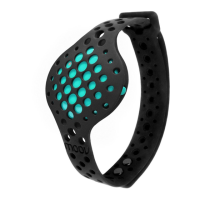
What interval/level am I on? How am I doing?
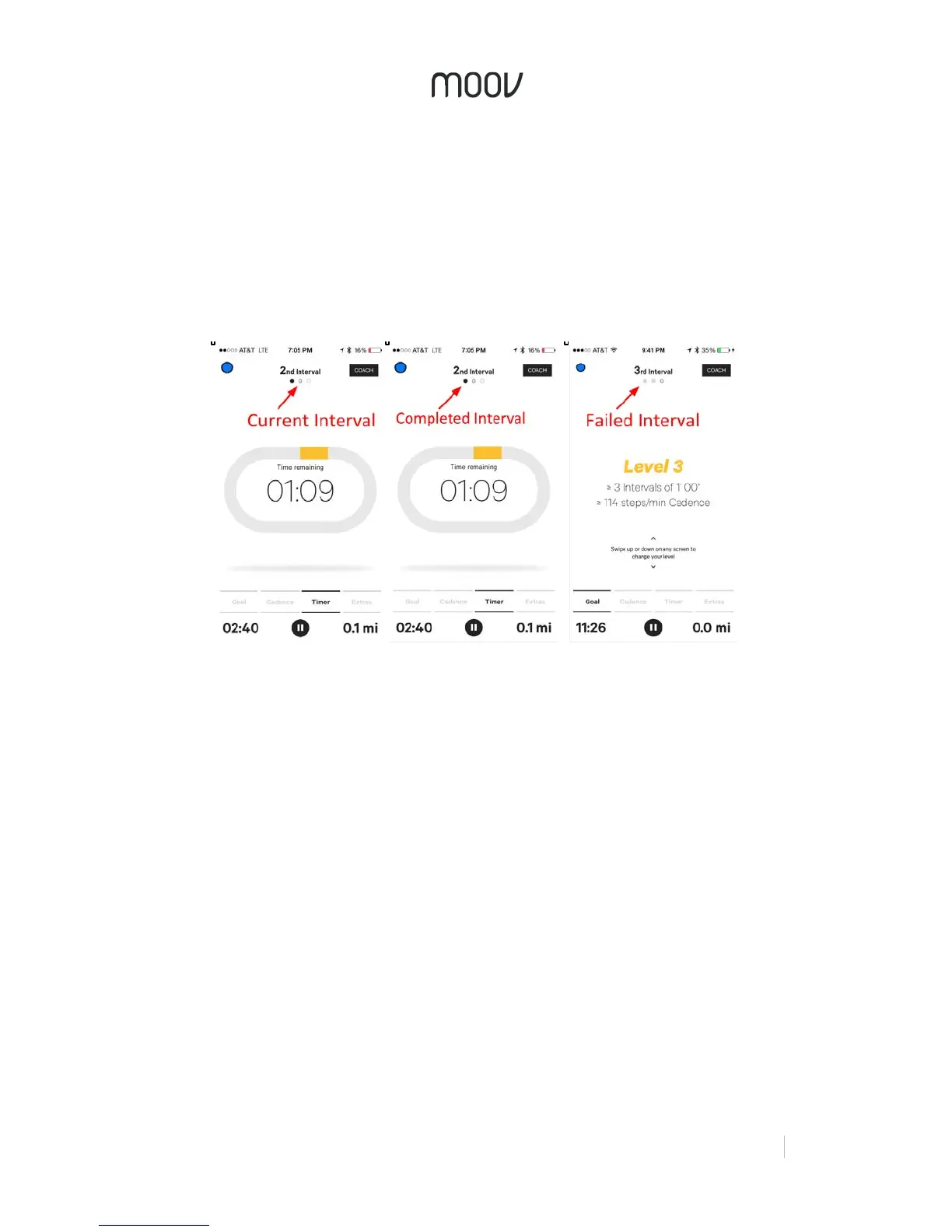
At the top, Moov will display your interval number. Each circle under the interval
number will represent an interval. During an interval, the current interval circle will be
outlined. After an interval, the interval circle will either be black if you passed or light
grey if you failed. If you failed an interval, no worries - your interval will still be
counted and now you have even more motivation to crush the next interval target! To
complete a level you’ll need to pass at least 3 intervals in that level. Moov will always
start with displaying the number of recommended intervals. After you finished the
recommended number of intervals, Moov will display “+” and a new set of intervals.
Your current level will be displayed at the top right corner. Remember you can
change your level at any time by swiping up or down the screen.
Step Counting, Calories, & More
To see additional real-time data, swipe right to the “Extras” tab. Here you will see
your step count, range of motion, calories burned, and your performance % of your
past intervals.


 To Next Page
 Loading...