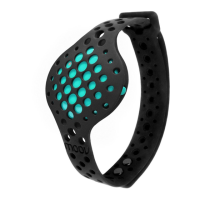
!
Put on your headphones (make sure the volume is set at a comfortable level).
Now you’re ready to start Moov-ing! Click on “Start workout” to begin running. Each
run & walk program will start with a quick warm-up to loosen your muscles and help
prevent running injuries. Moov’s real time audio coaching will take it from here, have
a great workout!
Live Screens
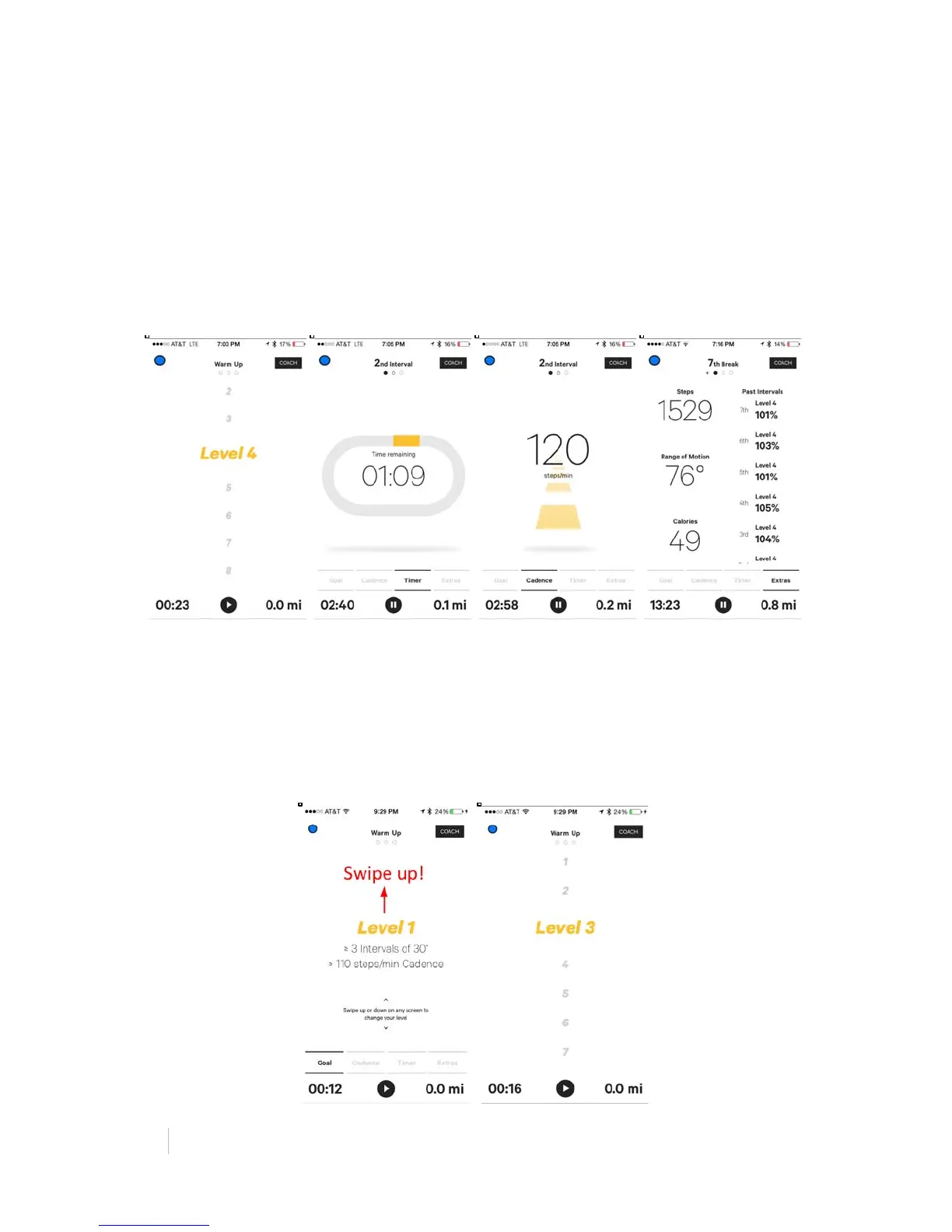
Moov’s live screens (Goal, Cadence, & Timer) will show you real time data based on
your running biomechanics. Swipe left and right to move between screens.
See your Interval Goal
Swipe to the far left on your screen to the “Goal” tab. Here you can see your current
level and interval goals.
Change your Difficulty Level
You can swipe the screen up/down to increase/decrease your difficulty level at any
time during your workout.


 To Next Page
 Loading...