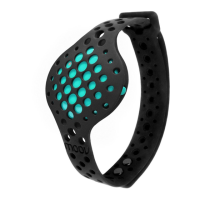
Selecting a Moov Run & Walk Program
Moov Run & Walk programs include 3 coached running programs, 1 coached
walking program, and an Open Training program.
Running Efficiency: Run farther with the same effort. Form based goals teach you
where you’re wasting energy and how to prevent injury.
Sprint Intervals: Build muscle and burn fat running in powerful bursts. Get your heart
pumping and legs moving in high intensity intervals.
Speed Endurance: Keep your speed up over long distances. Pace based goals
motivate you to keep going when you start to tire out.
Brisk Walking: Get more out of your walk or cool down after a run. All fitness levels
can get their heart rate up and break a sweat with these fast intervals.
Open Training: Get more out of your free run with occasional pace and distance
status updates and a post-run Activity Report.
A pop up notification may ask you to “Allow Location Access”. Select “OK” and then
“Allow” on next pop up. By enabling location features/GPS, Moov will be able to track
your distance and pace.
Please note that Speed Endurance, which focuses on pace and distance, will only
work on mobile devices that have GPS. For example, if you’re using an iPod or iPad,
you will not be able to train with Speed Endurance.
Putting on Moov & Your Headphones
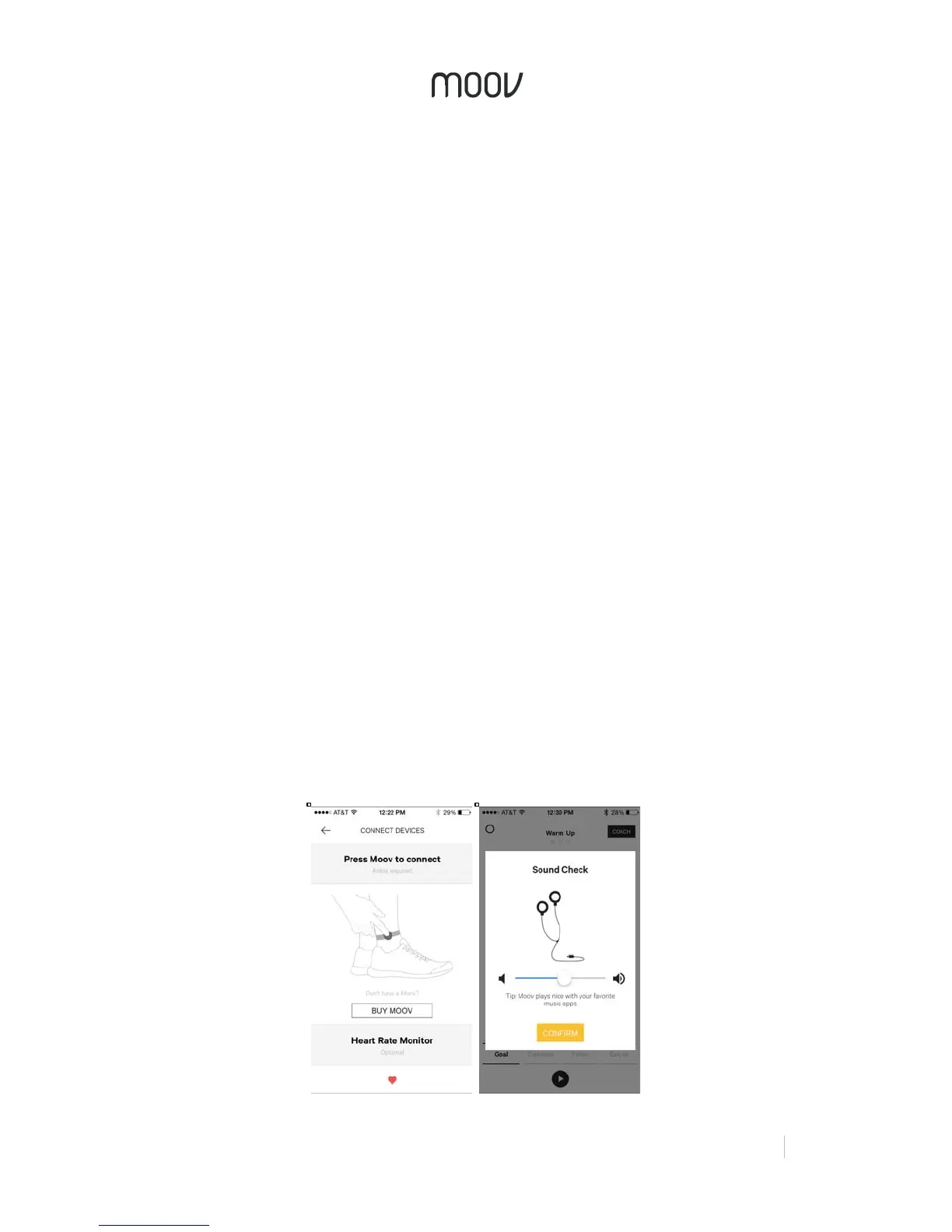
Before starting a program, the app will tell you to put your Moov on your ankle. Place
your Moov into the large strap and put it on with a snug and comfortable fit. To
secure Moov, insert the end of the band into the loop on the other end and then
insert the clasp into the wristband and press it into the band to ensure that the clasp
is flat and in line with the band.


 To Next Page
 Loading...