6
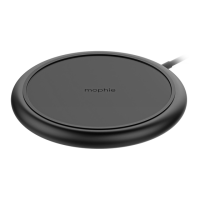
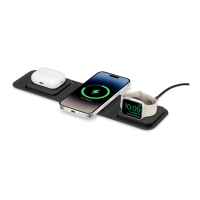
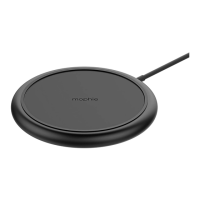
Wireless charging pad charging status indicator
The charging pad has an LED that indicates its
charging status:
• LED illuminated continuously:
- The wireless device is properly charging.
• LED ashing:
- A metallic foreign object (keys, etc.) has
been detected on the charging pad.
Taking care of your wireless charging pad
• Keep your wireless charging pad dry and away
from moisture and corrosive materials.
• Do not clean your wireless charging pad with
harsh chemicals, soaps or detergents. Just wipe
it with a soft, water-dampened cloth.
Warranty
At mophie, we are dedicated to making the best
quality products. To back this up, this product is
warranted for 2 years. For full details regarding
warranty terms and exclusions, please visit: mophie.
com/warranty. This warranty does not aect any
statutory rights that you may be entitled to. Keep a
copy of your purchase receipt as proof of purchase.
Be sure to register your product at mophie.com.
Failure to register your product and/or provide proof
of purchase may void the warranty.




 To Next Page