8
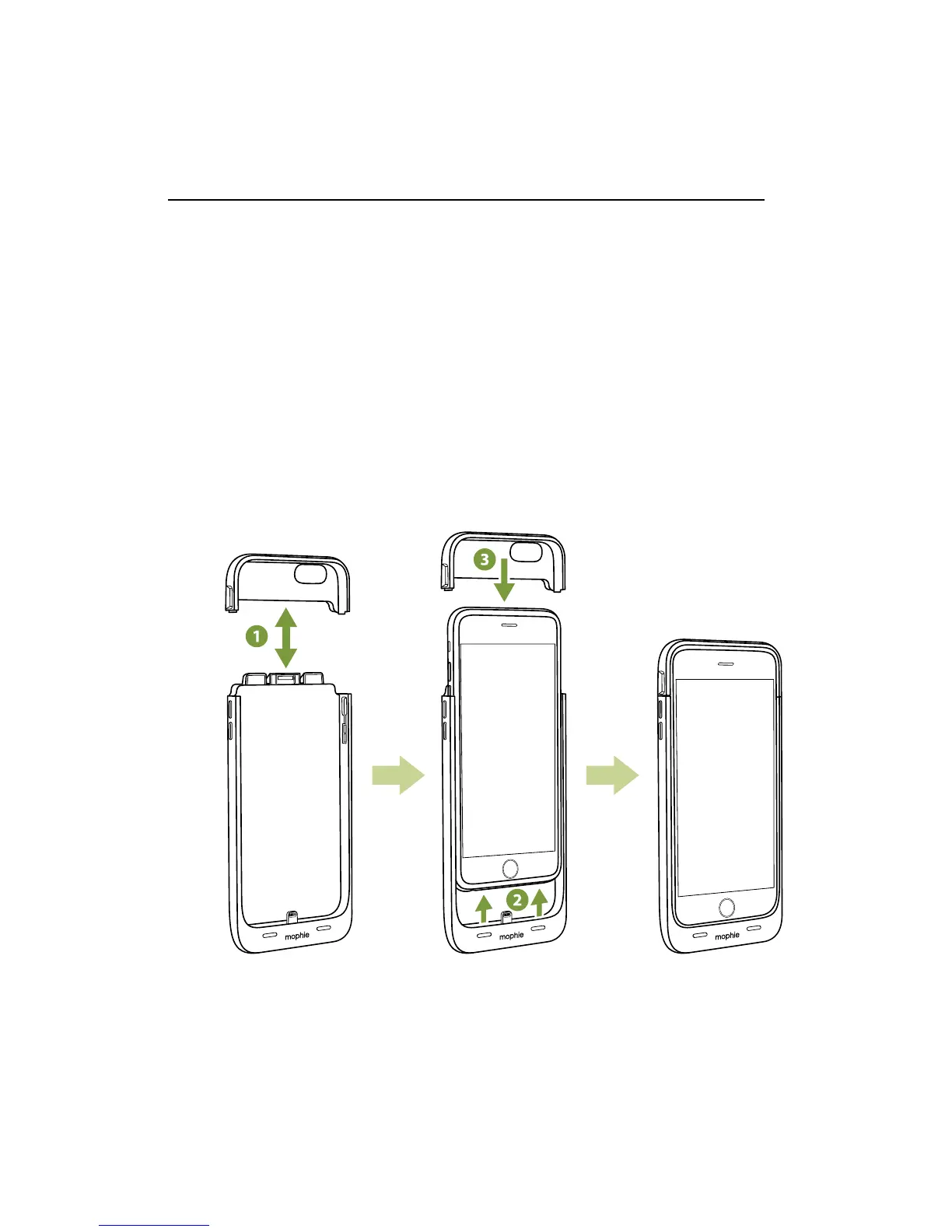
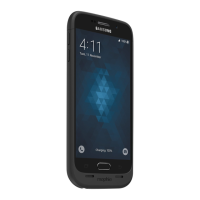
Installing your juice pack wireless case
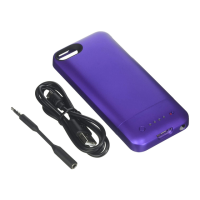
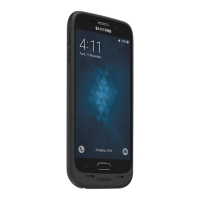
juice pack wireless made for iPhone 6s & iPhone 6:
1. Separate the juice pack case sections.
2. Slide your iPhone all the way into the bottom
section of the juice pack case so that the juice
pack case’s Lightning connector is fully inserted
into the phone.
3. Slide the top section of the juice pack case all
the way over the exposed top of the iPhone so
that it snaps into the bottom section of the case.





 To Next Page