17
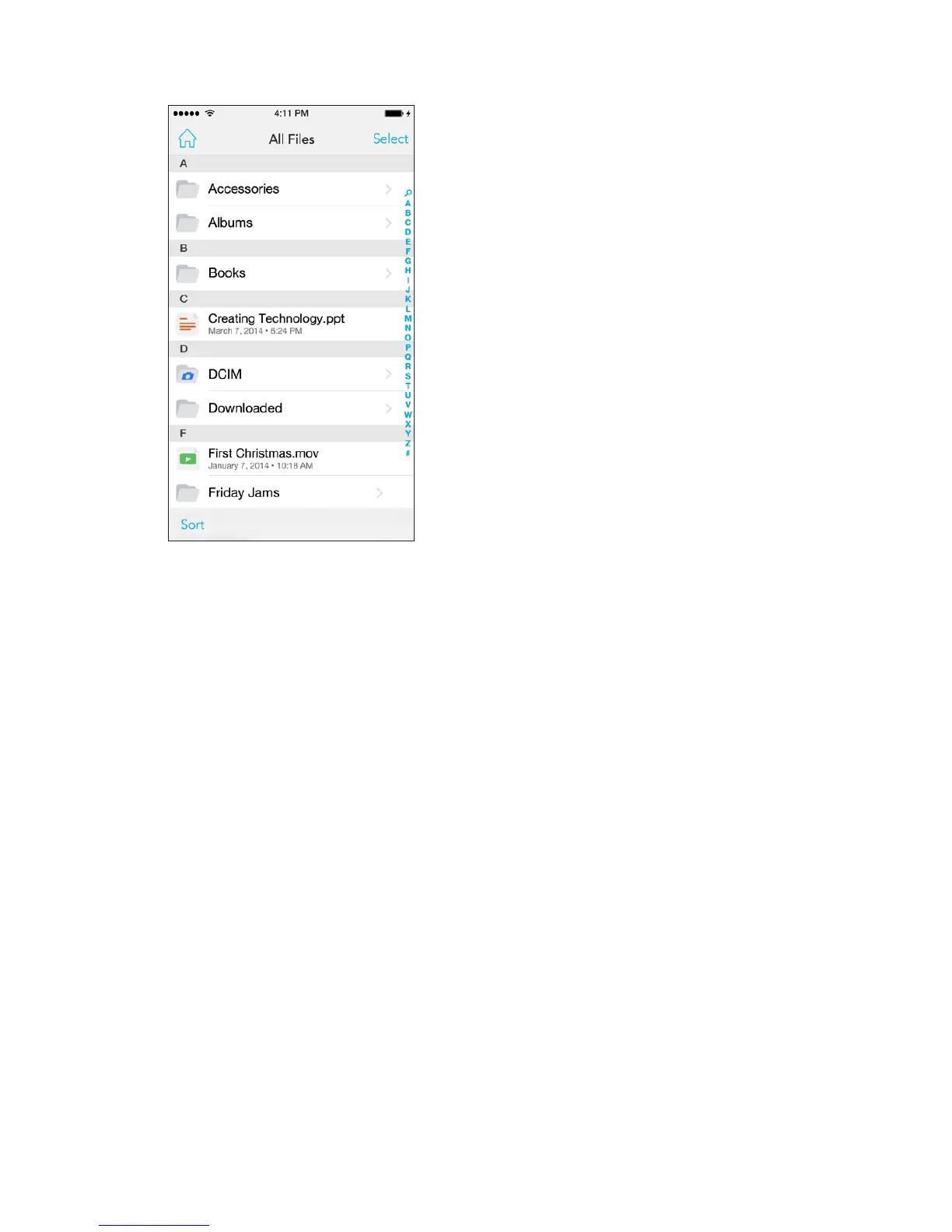
To create a new folder:
1. Tap “Select,” then tap the
New Folder icon that
appears at the bottom of
the screen.
2. When the keypad appears,
use it to type a folder name
and then tap “Create.”
To move, share, rename or delete an item:
1. Tap “Select” on the All Files screen, and then
select any number of files (check-marks will
appear next to the selected files). After you
select at least one file the move, share, rename
and delete icons will appear in the bottom
menu bar.
2. Tap the desired icon and follow the screen
prompts to perform the action. (For details
about sharing files, see Sharing Files, on page
31.) Note: “Rename” only becomes available if
you select a single item.


 To Next Page