24
Tap the "Done" button to dismiss the Now Playing
screen and return to the previous (Albums, Artists,
or Songs) screen.
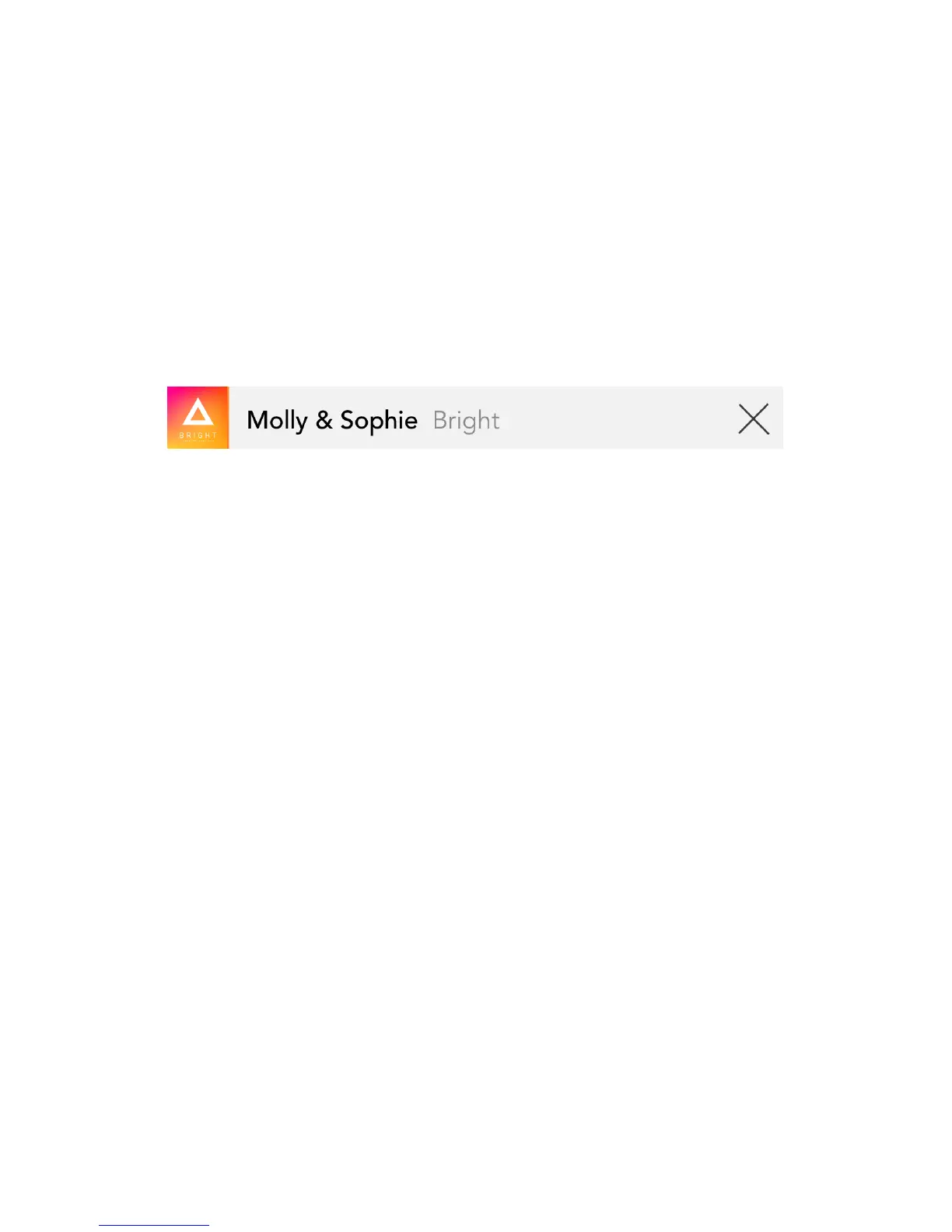
A status bar will appear at the bottom of the screen,
displaying the title and artist of the currently
playing song.
Tap the song title/artist name to return to the Now
Playing screen; tap the “X” to stop playing the song
and dismiss the status bar.
Tap the Select button to reveal the bottom menu
bar, containing the share, favorite (available only in
Song view) and delete icons. Select any number of
files (check-marks will appear next to the selected
file names), then tap the desired icon and follow the
screen prompts to perform the action. (For details
about sharing files, see Sharing Files, on page 31.)
You can also access these functions by swiping a file
in one of the music collection screens.


 To Next Page
 Loading...