13
1) In waiting state, turn »Jogger » right to choose the
menu from »A-1« to »A-8«;
2) Press »Confi rm« to confi rm the menu you choose;
3) Turn »Jogger » to choose the food weight;
4) Press »Start« to start cooking;
5) After cooking fi nishes, the buzzer sounds fi ve times.
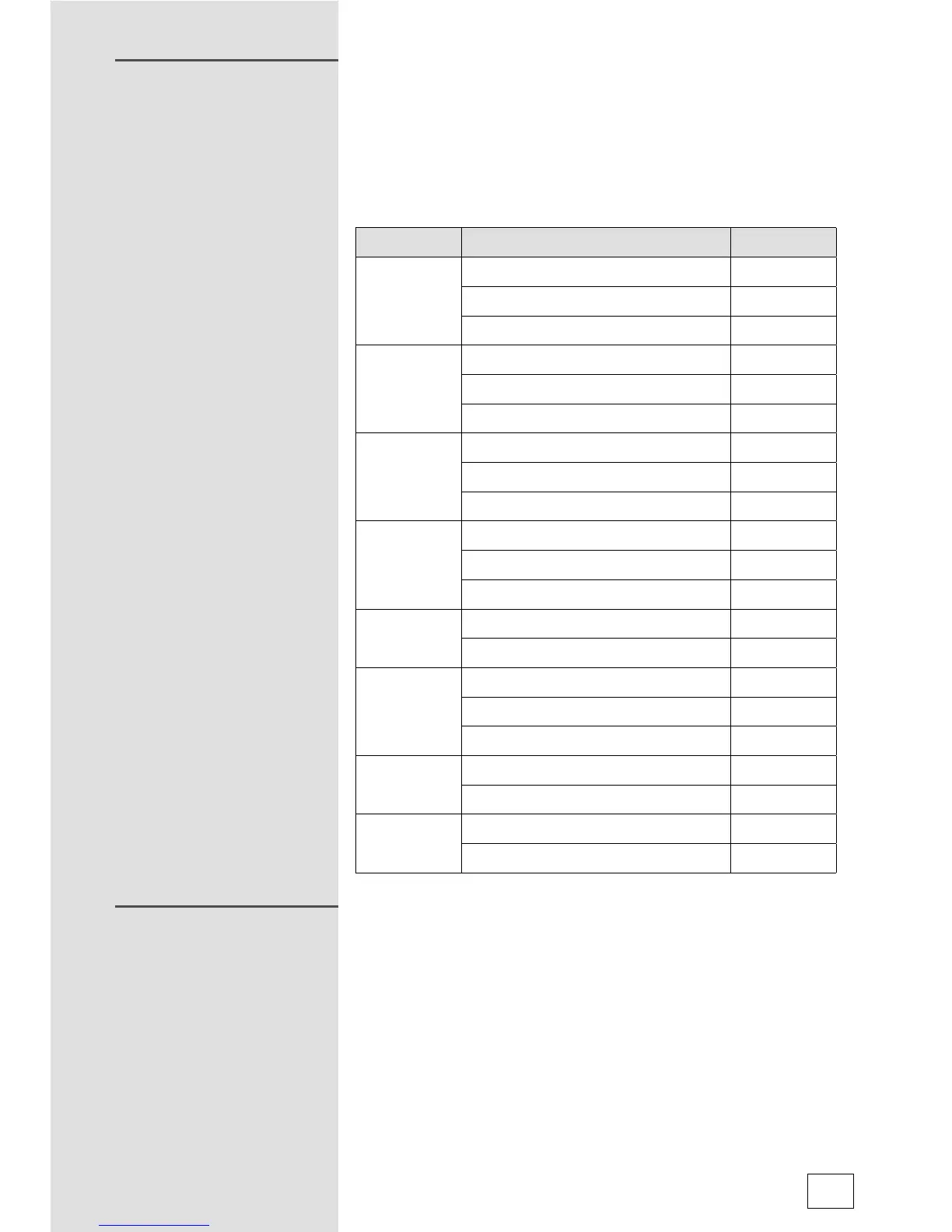
Menu Weight Display
A-1
Reheat
200g 200
400g 400
600g 600
A-2
Vegetable
200g 200
300g 300
400g 400
A-3
Fish
250g 250
350g 350
450g 450
A-4
Meat
250g 250
350g 350
450g 450
A-5
Pasta
50 (with water 450g) 50
100 (with water 800g) 100
A-6
Potato
200g 200
400g 400
600g 600
A-7
Pizza
200g 200
400g 400
A-8
Soup
200g 200
400g 400
Lock: In waiting state, press »Stop/Clear« for 3 seconds,
there will be a long »beep« denoting entering the children-
lock state. The screen will display lock indicator.
Cancel Lock: In locked state, press »Stop/Clear« for 3
seconds, there will be a long »beep« denoting that the lock
is released.
AUTO MENU
LOCK FUNCTION FOR
CHILDREN



 To Next Page