88
Note: The kitchen time is di erent from 24-hour system.
Kitchen Timer is a timer. During Kitchen timer, none of the
programs cannot be set. The timer can be stop by pressing
»Stop/Clear«.
1) In stand-by, press »+30.Sec.« key to cook with 100%
power level for 30 seconds. Each press on the same
key can increase 30 seconds. The maximum cooking
time is 95 minutes.
2) In stand-by, turn »Jogger« left to choose the cooking
time directly. After choosing the time, press »Start« to
start cooking. The microwave power is 100%.
1) In stand-by, turn »Jogger« right to choose the menu
from »A-1« to »A-10«;
2) Press »Confi rm« to confi rm the menu you choose;
3) Turn »Jogger« to choose the food weight; “g” indicator
will light.
4) Press »Start« to start cooking;
Note:
1) Cake menu is under convection cooking with 180°C
warm-up function and you should preheat fi rst
following the auto menu operation. When the oven
reaches the temperature, it will stop working and
sound will remind you to open the door and put cake in
the oven. Then press »St art« to start cooking.
2) To roast chicken and frozen pizza, the food should be
placed on the 40mm height rack.
3) To toast menu, the food should be placed on the 95mm
height rack.
Auto Menu chart
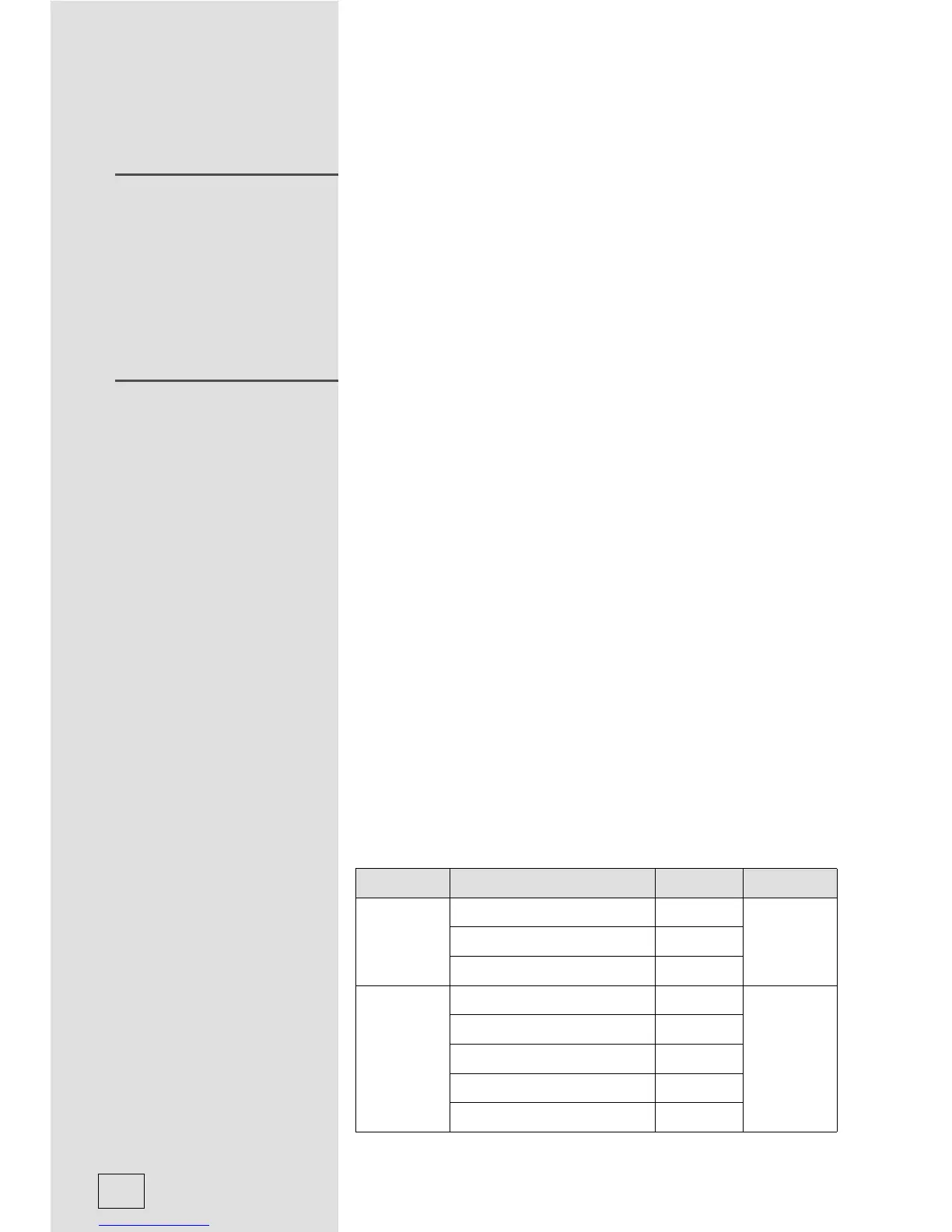
Menu Weight Display Function
A-1
Vegetable
150g 150
Microwave
100%
350g 350
500g 500
A-2
Fish
150g 150
Microwave
80%
250g 250
350g 350
450g 450
650g 650
SPEEDY COOKING
AUTO MENU



 To Next Page