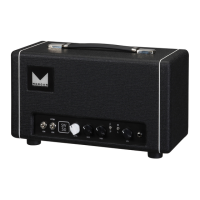
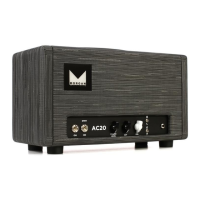
FRONT PANEL
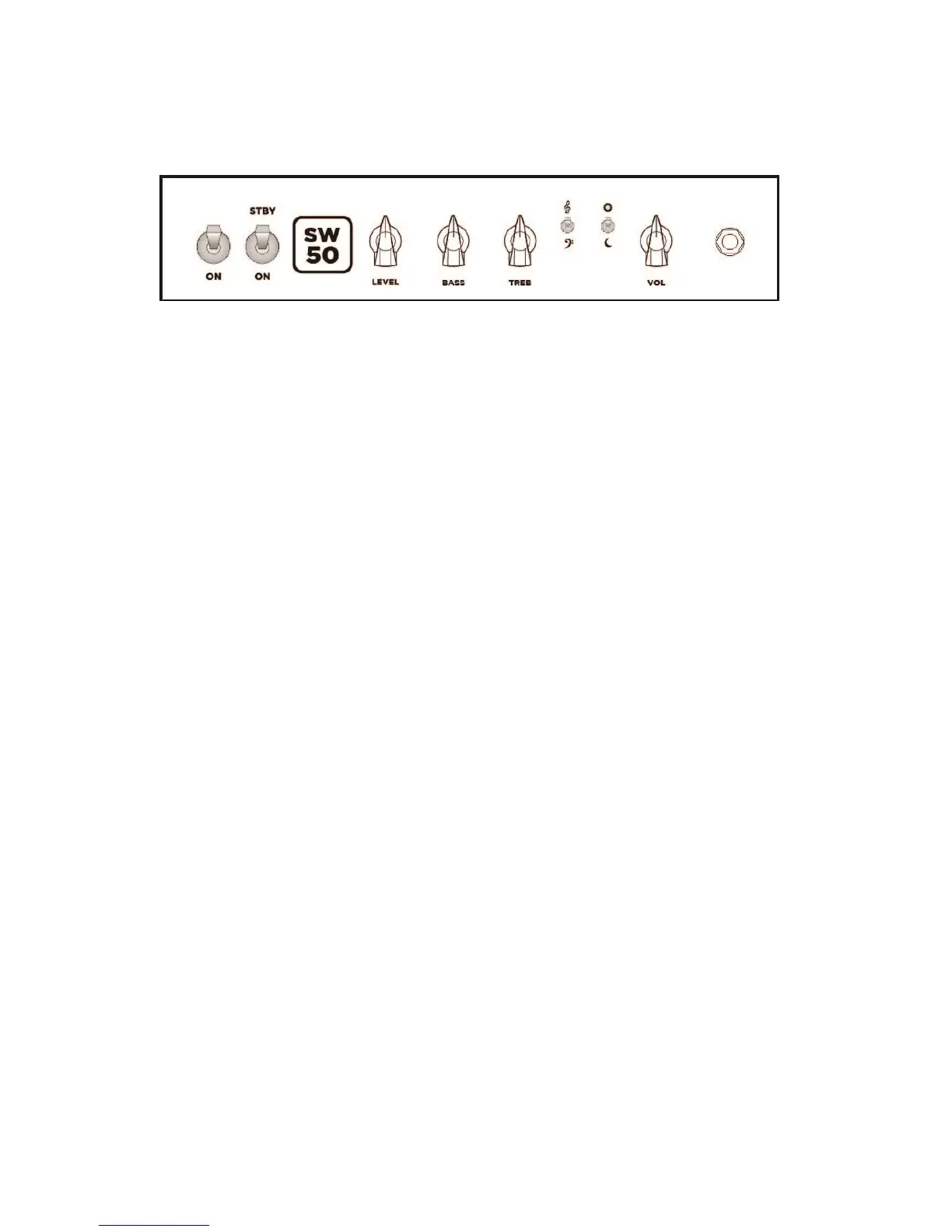
POWER SWITCH: Turn this ON to power the amplifier. Turn on this switch and the standby switch at the
same time for optimal tube life.
STANDBY SWITCH: Turn ON this switch to put the amp in play mode. This switch should be utilized to
put the amp into a wait state for extended periods of rest. It removes high voltage from your tubes.
Vol: This controls the amount of gain the amp has. The higher the setting the more overdrive to the
preamp tubes you will have. Using this control over the 11:00 mark will result in an overdriven signal.
Use this control in conjunction with the volume control to set your overall drive settings. Pull the gain
knob to activate the amps bright switch.
Level: This controls how loud the amp is. The vol control is actually controlling the amount of gain in the
power section of the amplifier. If you are trying to stay as clean as possible stay below 3 o’clock on this
control.
Treb: This control sets the level of high frequencies in the amplifier. This control is interactive with the
Bass and Mid controls.
Bass: The Bass control sets the level of Low frequencies provided by the amp. It is inter active with the
Treb and mid controls.
Sun and Moon: This is a bright switch. In the sun position highs are increased.
Bass and Treble Clef: This is a bass emphasis switch. In the bass clef position low mids are increased.
INPUT: This is where you plug your guitar cable in.


 To Next Page
 Loading...