5. How to prepare for Binding
Generals
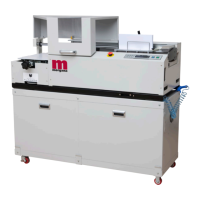
FKS PrintBind KB 2000
Must be placed on horizontal surface.
Plug in 220 –240 V outlet.
Start machine for heating up.
Smoke exhauster (integrated)
should be switched on with switch on right hand side of housing..
On reverse side of exhauste-housing is the round opening for
connexion of a flex-tube to led to outside of room or building. –
if required.
(Flex-tube is not supplied with machine and can be found in local
trade.)
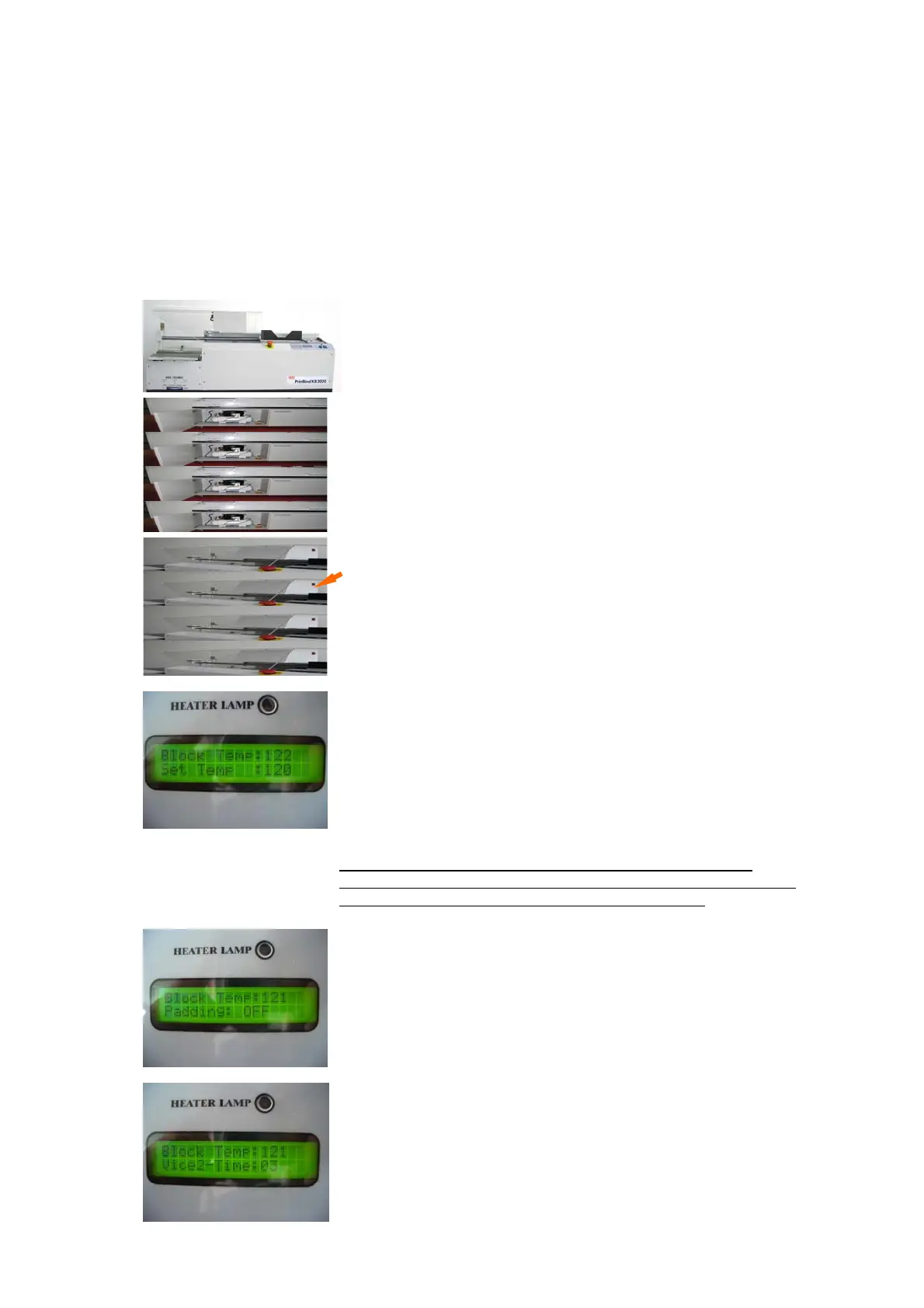
Glue Temperature on display
Shows the current temperature in glue-tank by: Tank Temp :XXX
and the desired and set temperature by: Set Temp :XXX
Power is set after first start of machine, the temperature will raise
up to 180 degree shown in display. This does not effect the desired
and set temperature of – for example: 170degree C – which is the
recommended temperature for glue in tank upon delivery from
FKS-HAMBURG..
The heating-Up-time is app. 30 to 40 minutes after start.
Having reached the desired/set temperature the Glue-rollers
revolve 3 times, the beeper signals: READY” and the start-lamp is
lightning. Thereafter the glue-rollers rotate frequently.
Adjust time of clamp release (for cover binding + padding)
Push button: Set
Display shows = “Vice 2-Time:” or”Finish Time:”
Push button: Set Up or Set Down for desired time of paper
release off clamp.
Set time by 15 steps:
In mode: “Cover Binding = 1 Step = app. 0,7 seconds
In mode: “Padding” = 1 Step = 5 seconds
Select: Cover Binding Mode by: Padding OFF
Select by button: SET
FKS PrintBind KB 2000 with Stand Cabinet
Or place on special designed FKS-stand-cabinet to be supplied
from local dealer.
Air Compressor finds it`s place in FKS Stand-Cabinett. Plug in
outlet and switch on.
In right hand side of Cabinet spare glue can be stored


 To Next Page
 Loading...