11
If you wish to review tracking data from a specific day, tap the quadrant corresponding to the data you wish
to view (such as “
Sleep
”), then tap the date displayed under the Morpheus logo.
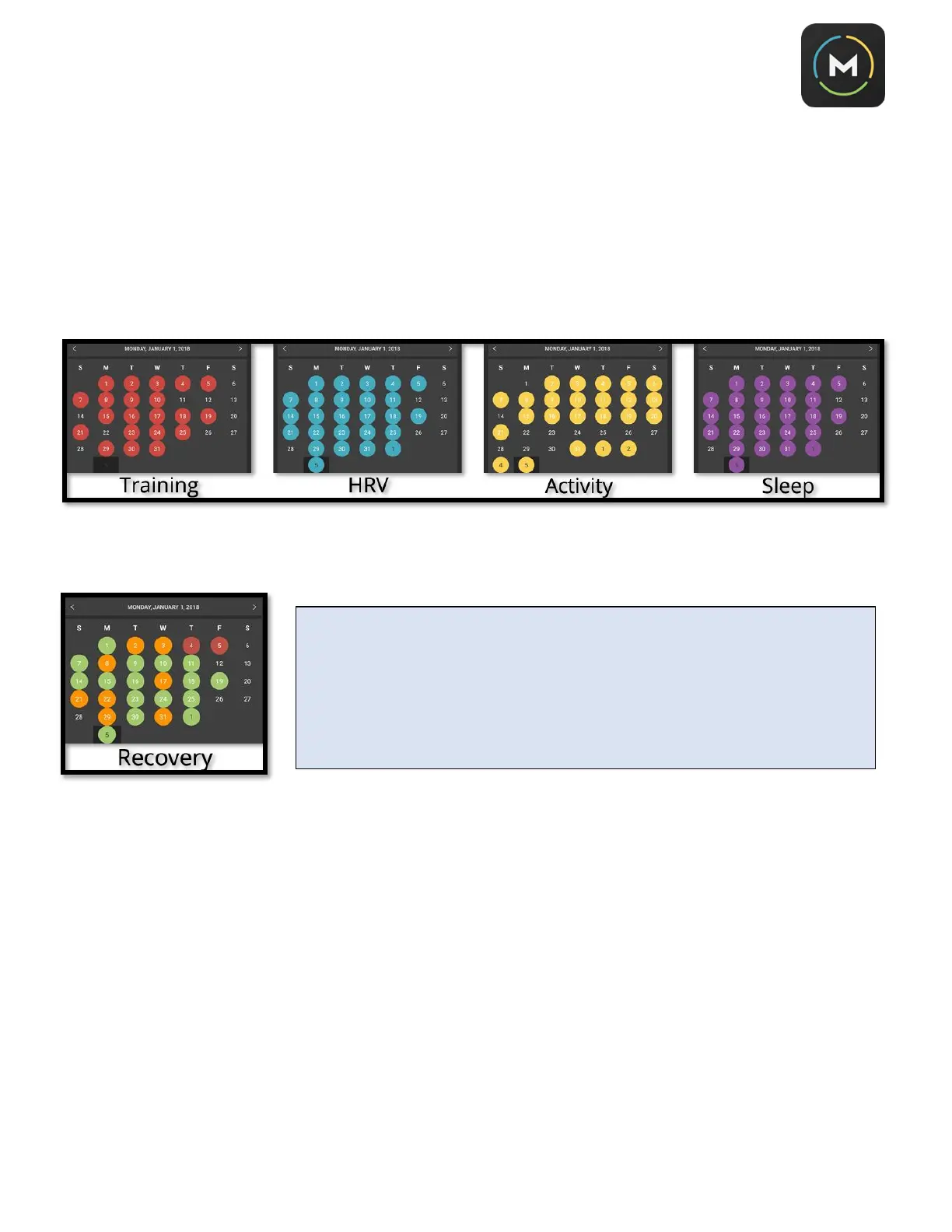
This will cause a calendar to drop down so you can select the day you’re interested in viewing.
The dates that have data recorded was will appear colored as follows:
Recovery data will appear as either green, amber, or red, depending on your recovery score each day:
IMPORTANT: Morpheus stores the previous 3 months of data on your phone
and keeps the rest of your history stored in the cloud. If you scroll back more
than 3 months, it may take Morpheus some time to load all your previous data.
Note that an internet connection is required to keep the data synched between
your phone and the cloud and view data that is older than 3 months. If you
switch to a new phone or device, you can simply download Morpheus and log in
to restore your data.



 To Next Page