10
Tracking with Morpheus:
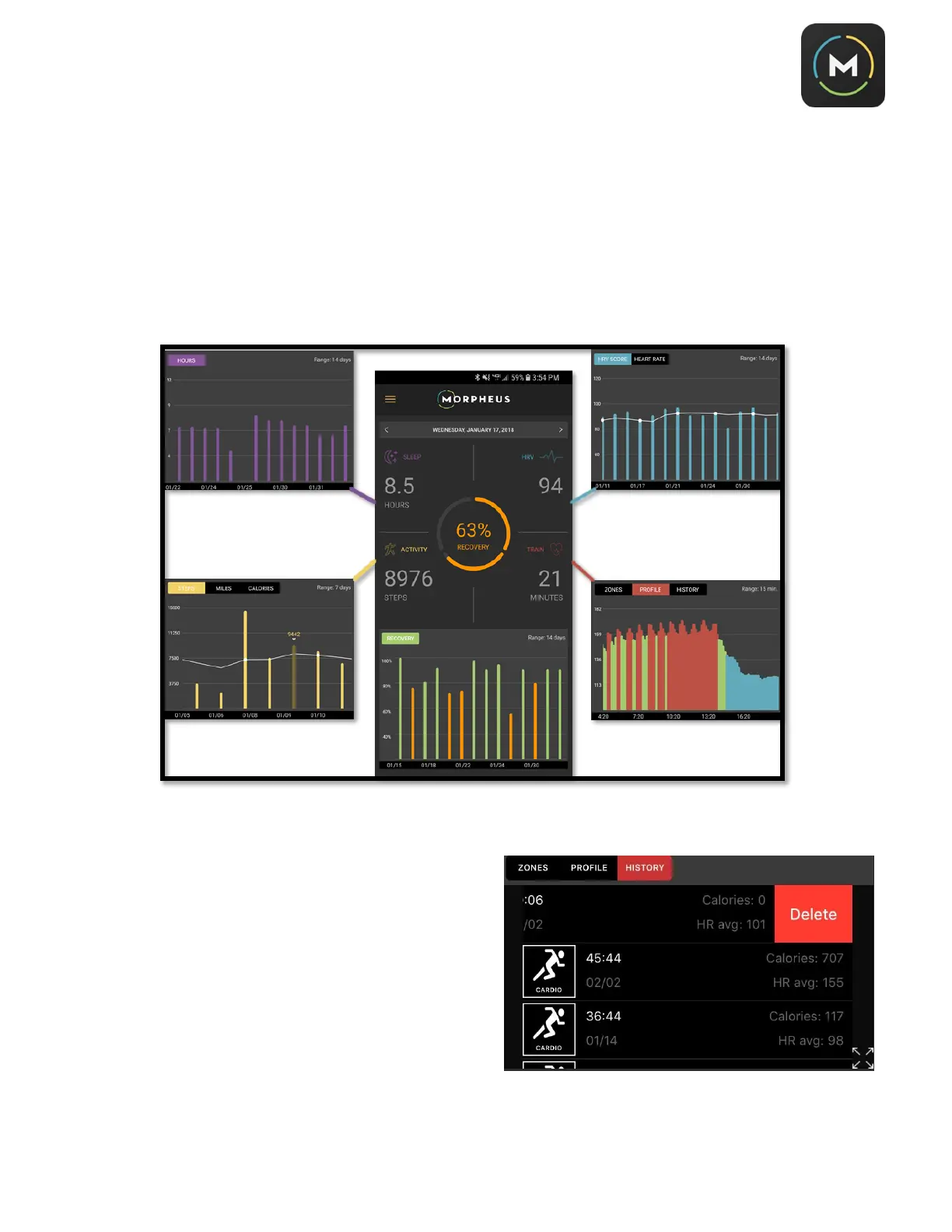
You can view your sleep, HRV, training, activity, and recovery data all from the
Track
screen of the Morpheus
app.
To view each subset of data over time, simply tap the quadrant you wish to select. Your data summary will
appear in the chart at the bottom of the screen. You can change the time range display by tapping anywhere
on the chart.
The
Train
data has a
History
view in the chart display.
When you select this view, your recorded workouts will
appear as a list. Tap a workout from the list to view your
full workout summary.
To delete a workout from the list, swipe left over the
workout you intend to remove and then select
Delete
.



 To Next Page