4
b Move through the names of your various albums. You can
move forwards or backwards.
c When the album you want to play shows in the display,
press AND HOLD for 2 seconds.
d The name of the album’s fi rst track will show. Move through
the tracks.
e When the track you want shows in the display.
f You can exit from the search process at any time.
Finding and playing a particular track, by
searching alphabetically
You can search for any track, alphabetically.
a Press one or more times until the fl ashing magnifying glass
shows. You will also see the letter A and the name of the
fi rst track in alphabetical order, on the MP3 CD. If no tracks
begin with A you’ll see A-NONE.
b Move through A to Z until you see the letter you want.
c Press AND HOLD for 2 seconds. The letter you have
selected will start fl ashing.
d The name of the fi rst track you have saved, beginning with
the letter you have selected, will show. Move through other
tracks beginning with the same letter.
e When the track you want shows in the display.
f You can exit from the search process at any time.
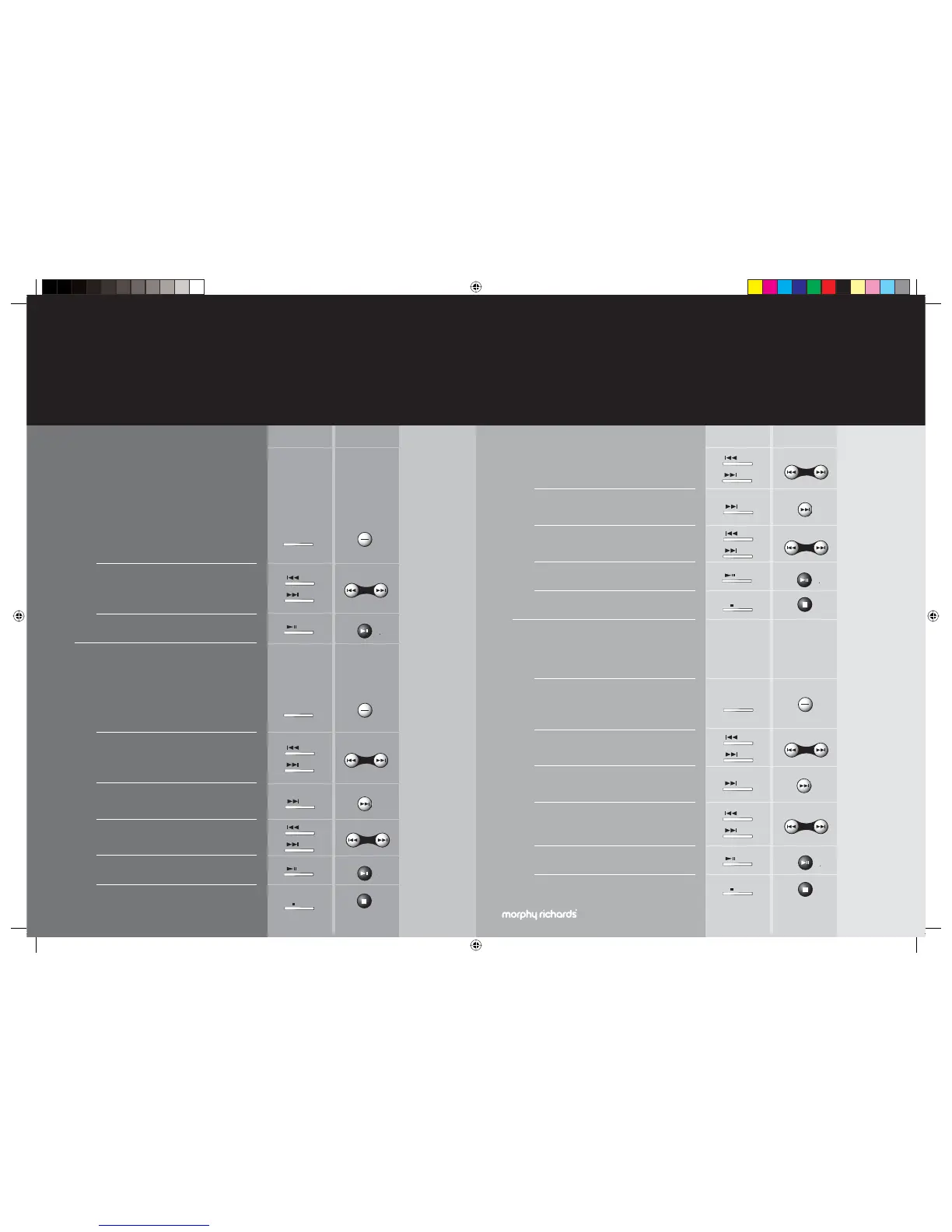
main unit remote control
what else you can do, when playing your MP3 CD’s
10
mr_Hi-Fi guide TO PRINT.indd 10-11 4/11/05 10:28:24 am
Finding and playing a particular album
See ‘If your music is well organised’ on page 8.
a Press one or more times until the magnifying glass and small
word ALBUM shows.
The name of your fi rst album (in alphabetical order), may
show in the display. Alternatively the word UNKNOWN
will show.
b Scroll through the names of your albums. You can move
forwards or backwards. The number in the top right hand
corner of the display will show that you are scrolling through
the albums.
c To play the album showing in the display
Finding and playing a particular track, when you
know which album it’s on
a Press one or more times until the magnifying glass and
small word ALBUM shows. The name of your fi rst album (in
alphabetical order), may show in the display. Alternatively
the word UNKNOWN will show.
b Scroll through the names of your albums. You can move
forwards or backwards. The number in the top right hand
corner of the display will show that you are scrolling through
the albums.
c When the album you want to play a track from shows in the
display, press AND HOLD for 2 seconds.
d The name of the album’s fi rst track will show. Move through
the tracks.
e When the track you want shows in the display.
f You can exit from the search process at any time.
main unit remote control
you want to play MP3 music from your mobile
player or USB drive?
13
mr_Hi-Fi guide TO PRINT.indd 14-15 4/11/05 10:28:30 am
TS IB-778-PM3Ui-001.indd 22-23TS IB-778-PM3Ui-001.indd 22-23 11/12/2005 16:27:2011/12/2005 16:27:20


 To Next Page
 Loading...
