15
6.3 6.4 6.5
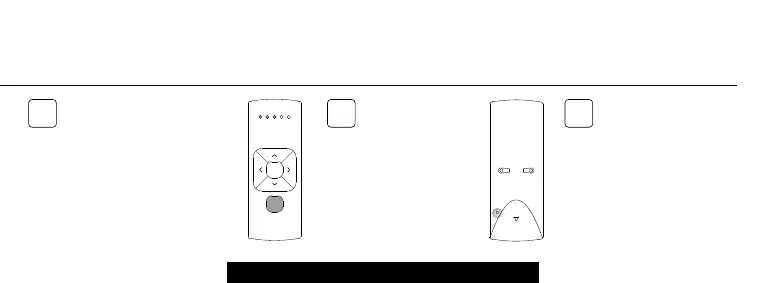
6. CHANNEL SELECT 5 CHANNEL REMOTE
All blinds in the selected
channel will start stepping,
indicating program mode has
been activated. All blinds can be
copied to a new channel on the
same remote or other remote.
Select a new channel on the
(new) remote.
Press the pair button
on the (new) remote to
pair the blinds with the
new channel.
To exit channel select,
go back to the channel
selected at step 6.1
and repeat step 6.2



 To Next Page