14 Direct Mode Monitoring
If you cannot see any Camera in the list, press [Back] key back to
Welcome screen and select [Direct Connect] again. Please note the
[ReScan] button doesn’t work at the current software.
If still not found, please check if the Camera is already in Direct Mode
by the Green LED status. If not, reset the Camera to Direct Mode by
press-and-hold the RESET button on the bottom cabinet for 10 seconds
until you hear the double beep conrmation tone.
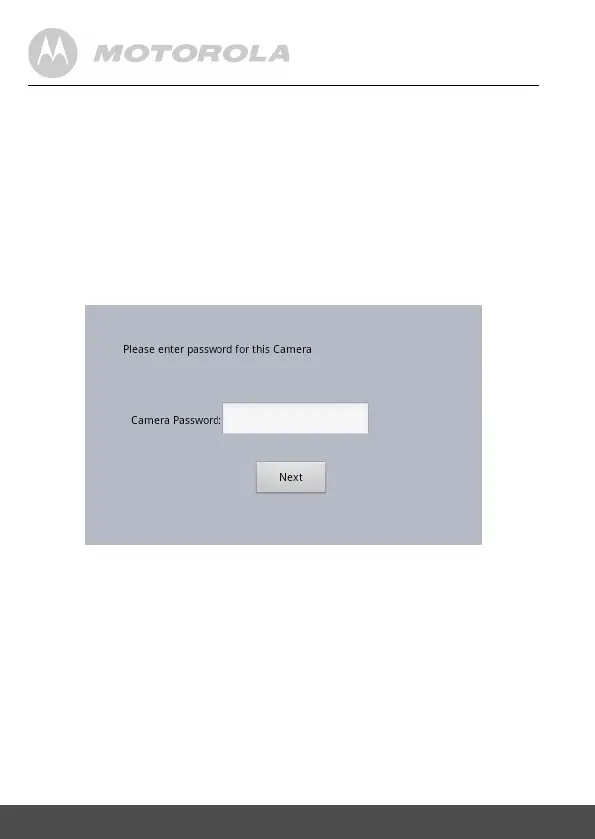
4.5 SelecttheCameraandthenyouwillbeprompt
toentertheCameraPassword.
******


 To Next Page
 Loading...