16 Setup The Camera In Router Mode
5.SetuptheCameraInRouterMode
In order to have the Internet access and Remote monitoring function, the
user requests to setup the Account and Camera in the Server developed
by Binatone.
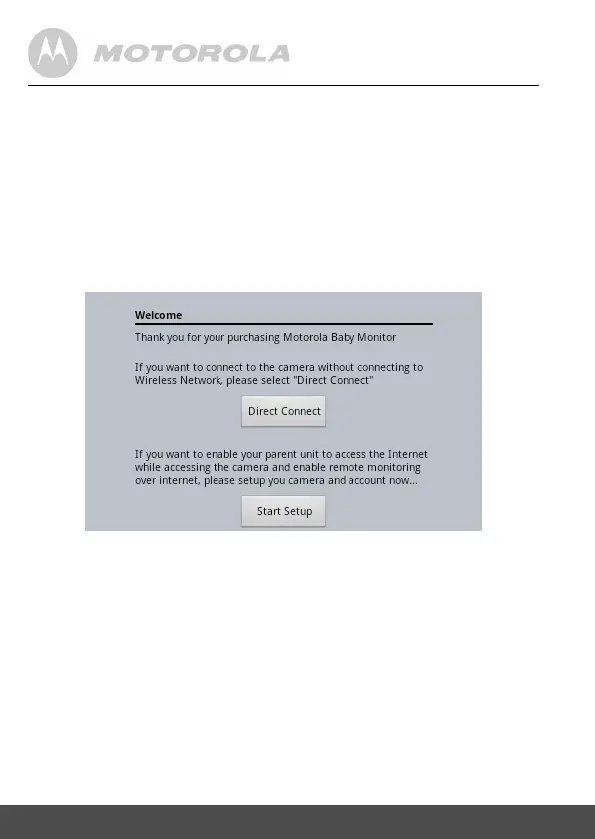
5.1 InHomeScreen,selecttheAppsBabyMonitor.
5.2 ThenyouwillseetheWelcomescreenifitis
rsttimesetuptheCamera.


 To Next Page
 Loading...