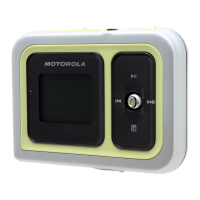
m25 DIGITAL AUDIO PLAYER 32
FM Tuner
To access FM Tuner mode:
1 Select Tuner.
2 Press Thumbstick.
3 Press MENU or
.
The FM Tuner is a stereo FM receiver with the capability of storing up to eight preset stations and recording broad-
casts into the player’s memory. When using the FM Tuner, there are three different modes of operation:
• Manual allows you to tune in a station by moving Thumbstick forward (|) or backward (|).
• Store Preset lets you set a station frequency under a memory location, like a car radio push button.
• Preset recalls the stored stations so they can be tuned in by pressing on a number.
FM Control
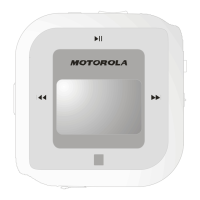
When in FM Tuner mode, the following controls function differently depending on the mode:
• MENU (
)
Press to enter Menu mode.
• Play/Pause (||)
In Manual mode, press to mute the FM radio. Press and hold to start and stop FM Record.
• Forward (|) and Reverse (|)
In Manual mode, press to tune up or down the frequency range. Press and hold to search up or down the
frequency range for particularly strong signals.


 To Next Page
 Loading...