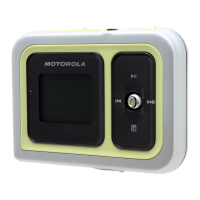
m25 DIGITAL AUDIO PLAYER 40
EQ Off
Select the EQ Off option to apply no equalizer
adjustments to audio content on the m25. This is also
known as using “flat” settings.
1 Open MENU by pressing Thumbstick to
.
2 Move Thumbstick to select Settings.
3 Press Thumbstick in.
4 Move Thumbstick to select Equalizer.
5 Press Thumbstick in.
6 Move Thumbstick to select EQ Off.
7 Press Thumbstick in to set the EQ Off option and
return to Playback mode.
Rock
Select the Rock equalizer option to change the sound
of tracks according to the Rock preset settings.
1 Open MENU by pressing Thumbstick to
.
2 Move Thumbstick to select Settings.
3 Press Thumbstick in.
4 Move Thumbstick to select Equalizer.
5 Press Thumbstick in.
6 Move Thumbstick to select Rock.
7 Press Thumbstick in to set the Rock option and
return to Playback mode.
Repeat these instructions to select any of the other
Equalizer presets (Jazz, Classical, Pop, Trance).


 To Next Page
 Loading...