EasyManua.ls Logo

Motorola MBP163CONNECT - User Manual

Motorola MBP163CONNECT
34 pages
Print Icon
To Next Page IconTo Next Page
Loading...
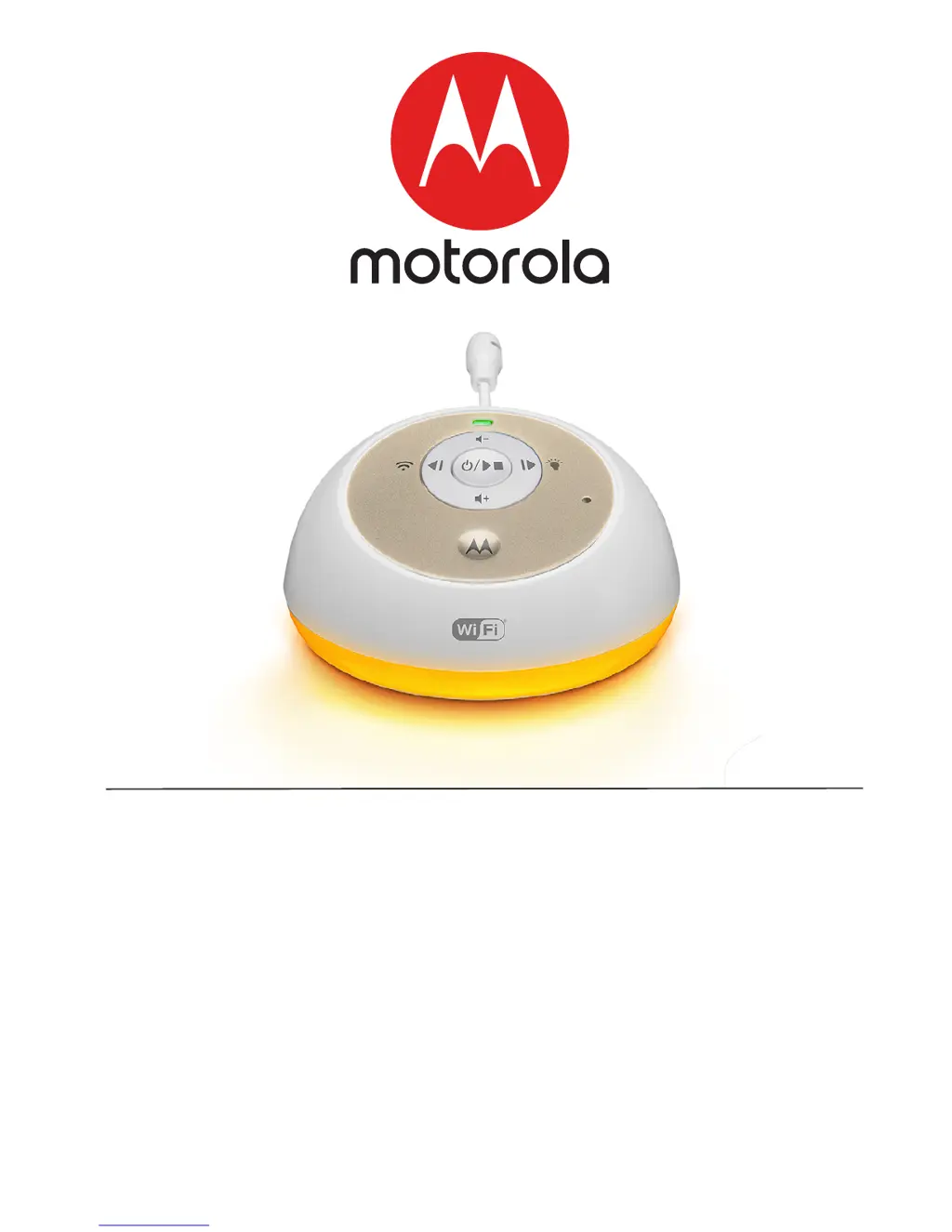
User’s Guide
All-in-One Smart Soother and Audio Monitor
Models: MBP163CONNECT
The features described in this guide are subject to modifications without prior notice.

Questions and Answers

Summary

MBP163 CONNECT Product Overview

Installation Guidelines

Important guidelines for installing the Smart Soothing and Monitoring Companion Unit.

Safety Instructions

Critical Safety Warnings

Important warnings regarding strangulation hazards and proper use of power adapters.

Device Setup and Usage

Getting Started

Connecting the Power Adapter

Instructions for connecting the power adapter to the baby unit and electrical outlet.

Using the Smart Soother and Audio Monitor

Powering the Baby Unit On;Off

Steps to power the baby unit on and off using the power button.

Audio Media Playback

How to play soothing sounds, lullabies, audiobooks, and personal recordings.

Adjusting Speaker Volume

Instructions on how to increase or decrease the speaker volume level.

Setting the Nightlight

System Requirements

Connecting Devices

Device Setup Process

Steps for placing the unit, ensuring Wi-Fi range, and preparing for setup.

Required Items for Setup

List of necessary items including the MBP163CONNECT and compatible smart devices.

Android Device Setup and Account

Download Hubble App for Android

Instructions to find and install the Hubble for Smart Nursery App from Google Play Store.

Run Hubble App on Android Device

Steps to run the app, sign up, and agree to terms for Android setup.

Adding Device to Android Account

Initiating Device Pairing

How to press and hold the PAIR button to prepare the device for pairing.

iOS Device Setup and Account

Download Hubble App for iOS

Instructions to find and install the Hubble for Smart Nursery App from the App Store.

Run Hubble App on iOS Device

Steps to run the app, enter account info, and agree to terms for iOS setup.

Adding Device to iOS Account

Initiating Device Pairing (iOS)

Instructions for connecting the audio monitor and selecting it in device settings.

Resetting the MBP163 CONNECT

Performing a Factory Reset

Steps to reset the device to deregister and perform factory default settings.

Disposal of the Device (Environment)

Cleaning and Care

Cleaning Instructions and Precautions

How to clean the device safely and precautions to avoid damage.

Troubleshooting Common Issues

Login and Password Recovery

Resolving issues with logging in, unregistered emails, and forgotten passwords.

Device Setup and Pairing Problems

Addressing difficulties when adding or pairing a device during initial setup.

Connectivity and Remote Access Issues

Solutions for problems accessing the device, connection errors, and remote access limitations.

Audio and App Download Guidance

Troubleshooting sound issues and guidance on downloading the companion app.

General Information and Support

Limited Warranty Details

Information regarding the terms, coverage, and exclusions of the product warranty.

FCC and IC Regulations

Technical Specifications

Motorola MBP163CONNECT Specifications

General IconGeneral
BrandMotorola
ModelMBP163CONNECT
CategorySoothers/Teethers
LanguageEnglish