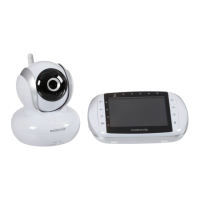
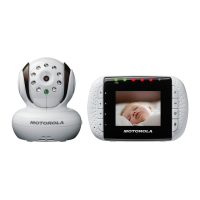
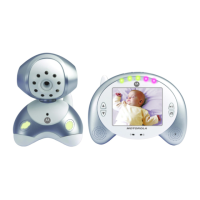
MBP35 - Quick Start Guide
For a full explanation of all features and instructions, please refer to the User's Guide.
1 Setting up your digital baby monitor
Removing the covers
A
• Turn the battery cover
screws 90 degrees in
a counterclockwise
direction.
• Lift off the battery
covers.
90° MAX
Installing the batteries for the Baby unit
B
• Use only AA
non-rechargeable
batteries. The baby unit
has no charging function!
• Insert the batteries as
shown, replace the battery
cover and turn the battery
cover screw 90 degrees in
a clockwise direction.
• Only use the enclosed adapters (6V DC/1000mA).
Connecting the power supplies
D
Installing the battery pack for the Parent unit
C
• Insert the wire tab of the
rechargeable battery
pack into the contact slot
as shown above and fit
the battery pack into the
compartment.
• Replace the battery
cover and turn the
battery cover screw 90
degrees in a clockwise
direction.
MBP35_QSG_EN_PE.fm Page 1 Thursday, June 18, 2009 2:54 PM


 To Next Page