EasyManua.ls Logo

Motorola MK3100 - User Manual

Motorola MK3100
78 pages
Print Icon
To Next Page IconTo Next Page
Loading...
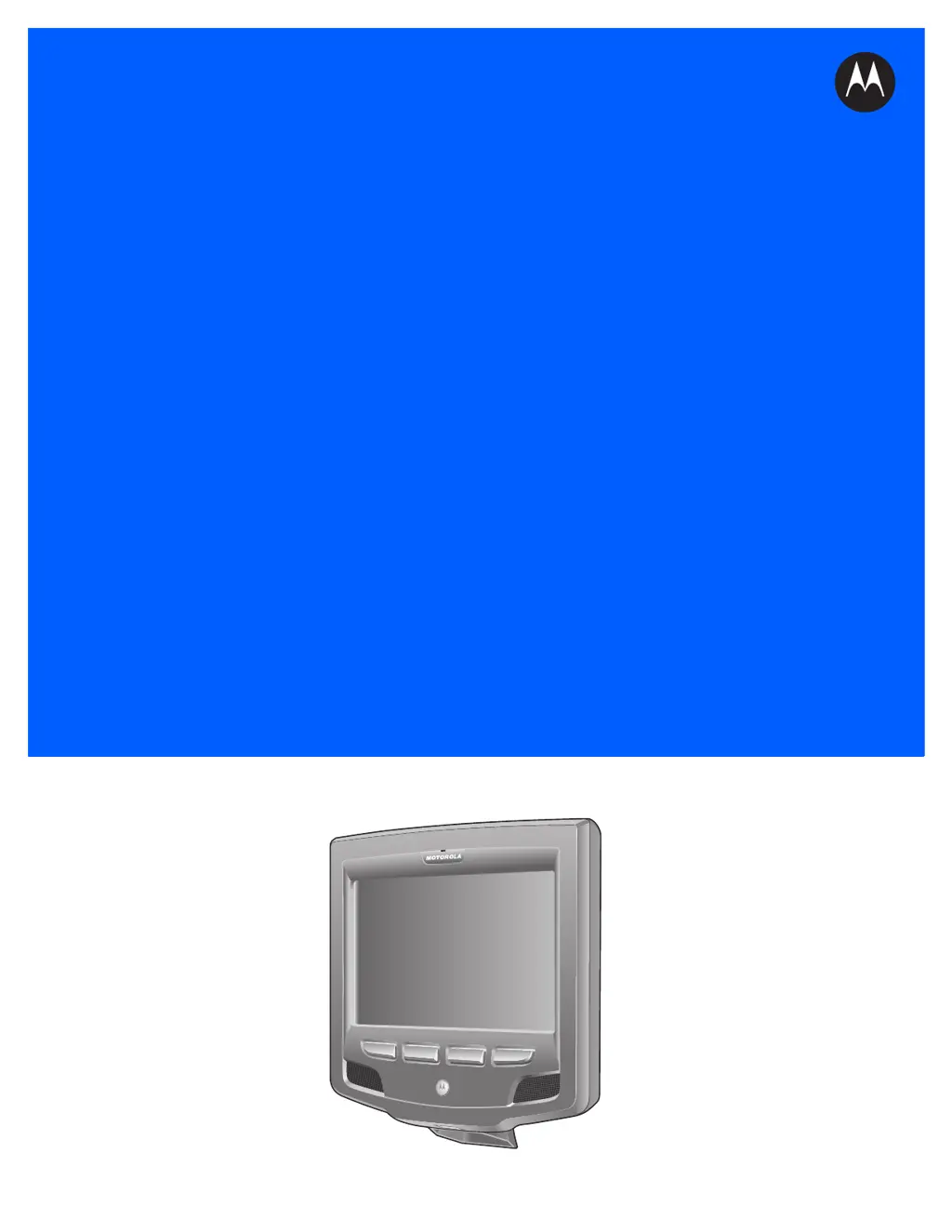
MK3100 MICROKIOSK
FOR WINDOWS
EMBEDDED COMPACT 7
PRODUCT REFERENCE
GUIDE

Table of Contents

Questions and Answers

Summary

Revision History

About This Guide

Introduction

Provides general information about the MK3100's installation, operation, and programming.

Configurations

Lists the specific MK3100 device configurations covered in this guide.

Chapter Descriptions

Briefly describes the content and scope of each chapter within the guide.

Notational Conventions

Explains the symbols, formatting, and terms used throughout the document.

Related Publications

Lists other documents providing additional information for configuring the MK3100.

Service Information

Details how to obtain product support and warranty information.

Chapter 1: MK3100 Introduction

Overview

Introduces the MK3100's retail role, display, and interaction capabilities.

Parts of the MK3100

Illustrates and identifies the physical components of the MK3100 device.

Touch Screen; LCD

Describes the 8-inch WVGA LCD and touch screen for user interaction.

Bar Code Imager

Details the MK3100's ability to decode 1D and 2D barcodes.

External Ports

Lists and describes the various external connection ports on the MK3100.

Memory

Explains the device's RAM and flash memory configuration.

Bar Code Decoding

Explains how the MK3100 decodes 1D and 2D barcodes, including aiming.

Chapter 2: Installation

Overview

Outlines the procedures for MK3100 installation and setup.

Connecting the MK3100

Describes connecting the MK3100 via wired/wireless Ethernet and USB.

MK3100 Mounting

Details options for mounting the MK3100 using VESA, wall, or pole kits.

Magstripe Reader Installation

Provides instructions for installing the optional magnetic stripe reader.

Chapter 3: Configuration

Overview

Describes setting up and configuring MK3100 applications, network, and system settings.

System Configuration Manager

Introduces the SCM utility for creating and editing MK3100 configuration files.

File Deployment

Explains how to deploy configuration files (CPF) to the MK3100.

Rebooting the MK3100

Details cold and warm booting the MK3100 to apply settings.

Chapter 4: System Features

Overview

Discusses various operating system features of the MK3100.

Memory Management

Explains flash (nonvolatile) and RAM (volatile) memory on the MK3100.

Loading Additional Fonts on the MK3100

Describes how to add custom fonts to the MK3100.

Input Panel and Keyboard

Explains using the touchscreen input panel and keyboard for data entry.

Chapter 5: Application Deployment

Software Installation on Development PC

Lists essential software for developing applications for the MK3100.

ActiveSync

Details connecting and transferring files between MK3100 and host PC using ActiveSync.

Bootloader

Explains using Bootloader to download files to MK3100 from SD card or USB.

Flash Storage

Describes MK3100's non-volatile flash storage, including FFS and non-FFS partitions.

Appendix A: Technical Specifications

Technical Specifications

Provides detailed technical specifications for the MK3100 hardware.

Appendix B: Wireless Configuration

Overview

Refers to another guide for configuring the MK3100's wireless connection.

Appendix C: Maintenance and Troubleshooting

Maintenance

Provides instructions on cleaning and maintaining the MK3100 device.

Troubleshooting

Lists common problems and their possible solutions for the MK3100.

MK3100 Version Information

Explains how to view device name, OS version, and memory details.

Motorola MK3100 Specifications

General IconGeneral
BrandMotorola
ModelMK3100
CategoryPayment Terminal
LanguageEnglish