EasyManua.ls Logo

Motorola MT060 - User Manual

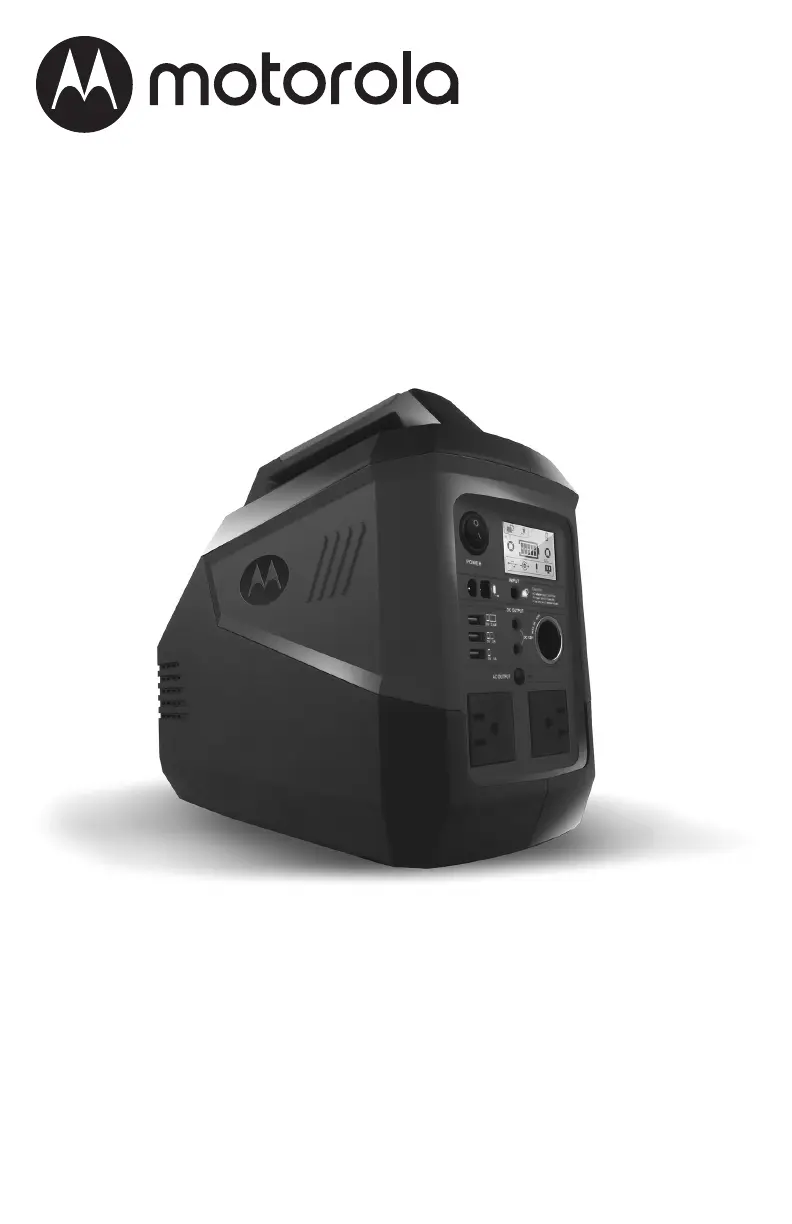
Motorola MT060
28 pages
Print Icon
To Next Page IconTo Next Page
Loading...
0099002105-00
MODEL / MODELO / MODÈLE :
MT060
Portable Power Generator
Generador de energía portátil
Générateur de courant portable
OWNERS MANUAL / MANUAL DEL USUARIO
MANUEL D’UTILISATION
PLEASE SAVE THIS OWNERS MANUAL AND READ BEFORE EACH USE.
This manual will explain how to use the unit safely and effectively. Please read
and follow these instructions and precautions carefully.
POR FAVOR CONSERVE ESTE MANUAL DEL USUARIO Y LEALO ANTES DE
CADA USO. En este manual le explica cómo utilizar la unidad de manera segura
y conable. Por favor, lea y siga las siguientes instrucciones y precauciones.
GARDER LE MANUEL D’INSTRUCTION ET LISEZ LE AVANT CHAQUE
UTILISATION. Ce manuel explique comment utiliser l’unité d’une façon securitaire
et efcace. S’il vous plaît lisez et suivez ces instructions et precautions.

Questions and Answers

  • J
    Joshua PachecoAug 11, 2025
    What to do if Motorola Portable Generator DC/AC output is faulty?
    • J
      Jessica CollinsAug 11, 2025
      There are several reasons why you might be experiencing a DC/AC output fault with your Motorola Portable Generator: * The battery may be under-voltage protected, in which case you should charge the unit. * The discharge over-current protection may be activated. Ensure that your loads are within the allowed range (total ?500W). * The unit may be experiencing over-temperature protection. If this is the case, turn the unit off, allow it to cool down, and then restart it. * The unit may be damaged. Contact customer service.
  • G
    Gina KingAug 17, 2025
    Why won't my Motorola Portable Generator power up?
    • W
      wwilliamsAug 17, 2025
      If your Motorola Portable Generator fails to power up, it could be due to several reasons: * Under-voltage protection: Recharge the unit. * Abnormal load protection: Remove loads and then recharge the unit. * Damaged unit: Contact customer service.
  • L
    Luke CummingsAug 23, 2025
    What to do if my Motorola MT060 charger is not working?
    • J
      Jeanne PooleAug 23, 2025
      If you're experiencing a charger fault with your Motorola Portable Generator, consider the following: * Ensure you are using only the included charger, as an unmatched charger can cause issues. * If the charger is damaged, contact customer service for a replacement. * Check for abnormal power supply or connection. Try reconnecting the charger. If the problem persists, replace the charger.
  • J
    Joseph WilliamsAug 29, 2025
    Why is my Motorola MT060 Portable Generator solar panel not charging?
    • T
      Teresa WashingtonAug 29, 2025
      If you're experiencing a solar panel charging fault with your Motorola Portable Generator, here are a few things to check: * Ensure you are using only the recommended solar panel to avoid over-current issues. * Weak sunlight can affect charging. Try charging in a sunny place. * A damaged solar panel can also cause issues. Consider replacing the solar panel. * Check for abnormal wiring-harness connections. Reconnect the wiring-harness; if the problem persists, replace the solar panel.
  • J
    Joe DavisSep 4, 2025
    How to fix abnormal icon display on Motorola Portable Generator?
    • C
      Christopher SimmonsSep 5, 2025
      An abnormal icon display on your Motorola Portable Generator can be caused by: * Abnormal loads: Remove the loads. * Hardware fault: Contact customer service. * Damaged LCD screen: Contact customer service.

Motorola MT060 Specifications

General IconGeneral
BrandMotorola
ModelMT060
CategoryPortable Generator
LanguageEnglish