15
Sicherheit und Komfort
Problemlos sperren, entsperren und vieles mehr.
• Fingerabdruck und Displaysperre: Wischen
Sie auf dem Startbildschirm nach oben und
tippen Sie auf Einstellungen> Sicherheit
& Standort.
• Ein-Tasten-Steuerung: Tippen Sie im
Startbildschirm auf Moto> Moto Action.
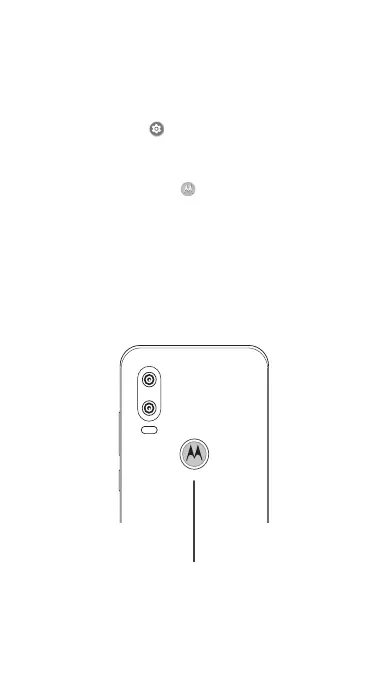
Fingerabdrucksensor
Zum Entsperren berühren.



 To Next Page
 Loading...










