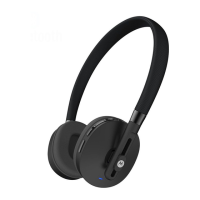
4 Step 3: Pair your headphones en
Step 3: Pair your headphones
Pair with Motorola Connect
Note: You can use this app on most devices with
Android 4.3 or later. If your device is not compatible
with Motorola Connect, follow the steps in “Pair with
Bluetooth™” on page 5.
1 Download the free Motorola Connect app from
Google Play™ Store.
2 Turn on your headphones.
3 Open Motorola Connect, touch
+, and select your
headphones
from the list of devices.
Tip: You can also use Motorola Connect to check
your battery, see the last known location where you
connected, or get more help.


 To Next Page
 Loading...