
 Need help?
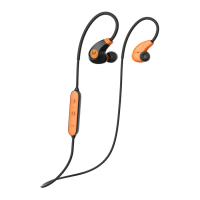
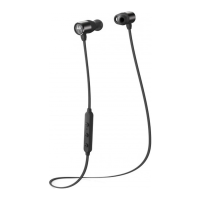
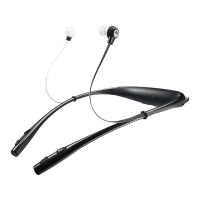
Do you have a question about the Motorola VERVE Loop and is the answer not in the manual?
Connect the earbuds to a power source for charging until the status light turns blue.
Press and hold the power button to turn on the wireless earbuds.
Details on single, double, and triple presses of the main control button for various actions.
Instructions for play, pause, volume, track skipping, and EQ settings.
How to answer, end, mute, or reject incoming calls.
Steps to initiate voice commands using the earbuds.
Turn off Bluetooth, earbuds, then press and hold power and volume buttons until light alternates red/blue.
Advice to avoid hearing damage by listening at moderate volumes for safe periods.
 General
| Type | In-ear |
|---|---|
| Bluetooth Version | Bluetooth 4.1 |
| Microphone | Yes |
| Standby Time | Up to 100 hours |
| Water Resistance | IP57 |
| Weight | 15 g |
| Colors | Black, Blue |







 To Next Page
