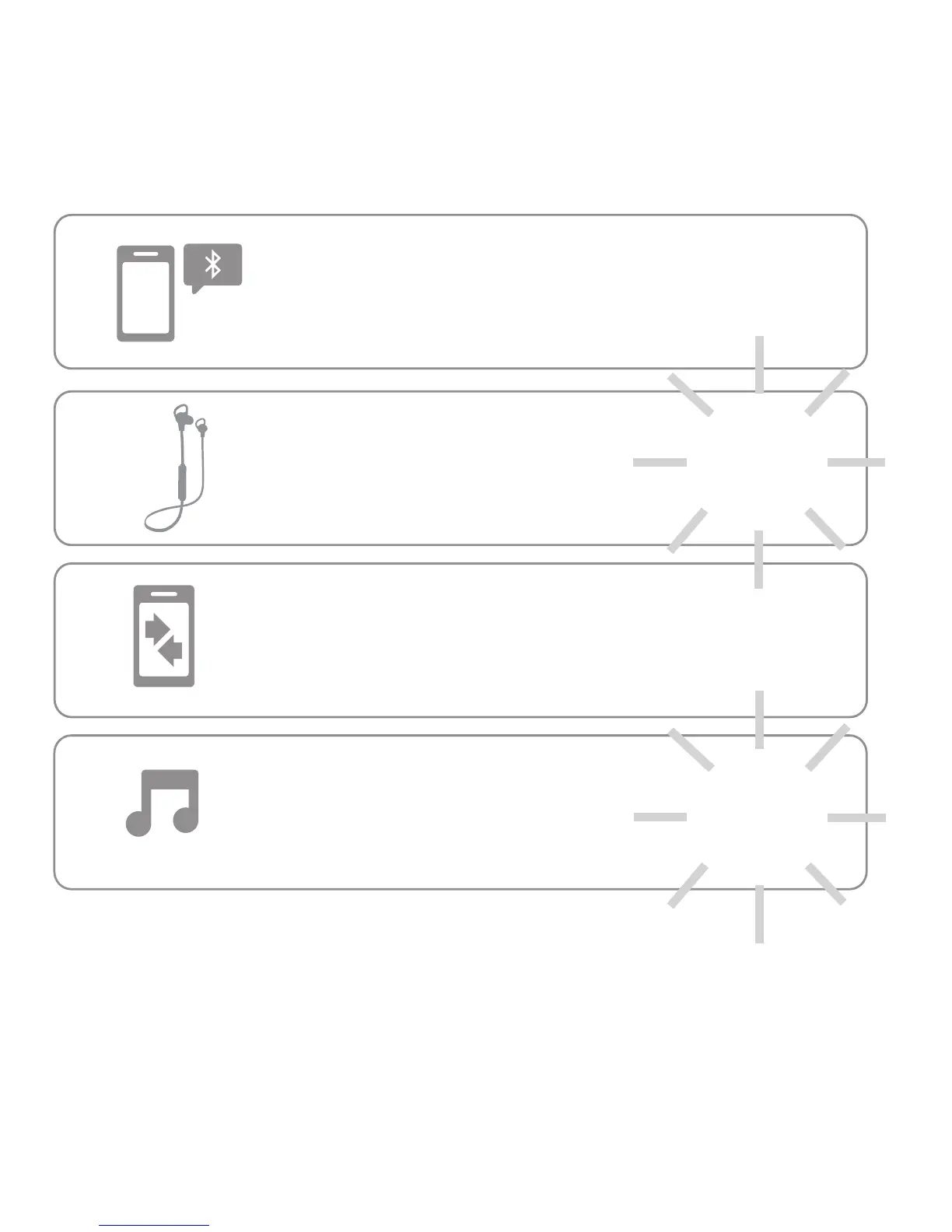
Step 2: Pair with Bluetooth
TM
Step 2: Pair with Bluetooth
TM
3
en
1
Turn on Bluetooth on your device.
2
Turn on your wireless earbuds.
3
On your device, go to the
Bluetooth menu to pair & connect.
Enter 0000 if prompted.
4
When the device and earbuds
connect, you’ll hear a tone.
Light blinks blue
slowly.
Light blinks
blue.








 To Next Page