24
;মm]|ohmo
our_om;
If you press and hold Ɛ
and/or
Ƒ on the
|;Ѵ;r_om;0-v;ķ|_;;bvঞm]
paired cell phone in that slot will
be erased. See 77-Ѵ;|oo|_
;m-0Ѵ;71;ѴѴr_om; and 77-
Ѵ;|oo|_;m-0Ѵ;7_;-7v;| on
how to pair and connect a new
cell phone or headset.
!;b;|_;1;ѴѴ7;b1;vѴbv|
1. Press MENU on the handset
when it is not in use.
2. Press CID/
or / to choose
Bluetooth, and then press
"$.
3. Press CID/
or / to choose
;b1;Ѵbv|, and then press
"$.
Download directory
contacts
You can download directory
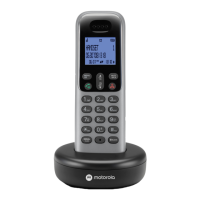
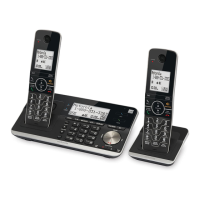
entries to your RT802/RT803/
RT804/RT803XT/RT804T/
RT805XT telephone system via
Bluetooth wireless technology.
Each downloaded directory are
stored in the handset directory
with up to 24 digits for each
phone number and 15 characters
for each name.
Before downloading the
directory, make sure the cell
phone is paired and connected
to the RT802/RT803/RT804/
RT803XT/RT804T/RT805XT.
-h;vu;|_;_-m7v;|0-;ubv
charged for at least 10 minutes.
Ѵ-1;ou1;ѴѴr_om;m;|
|o|_;|;Ѵ;r_om;0-v;_bѴ;
7omѴo-7bm]ĺ
$o7omѴo-71om|-1|v=uolou
Ѵ;|oo|_1;ѴѴr_om;Ĺ
1. Press MENU on the handset
when it is not in use.
2. Press CID/
or / to choose
Bluetooth, and then press
"$.
3. Press CID/
or / to choose
omѴo-77bu, and then press
"$. The handset displays
";Ѵ;1|-7;b1;0ub;Yĺ
• If there is no cell phone
paired to the system, the
handset displays -bu1;ѴѴ
Cuv| and then returns to the
previous menu.


 To Next Page