37
Dial a directory entry
1. Search for the desired
entry in the directory (see
!;b;7bu;1|ou;m|ub;v or
Ѵr_-0;ঞ1-Ѵv;-u1_).
2. Press HOME
or
SPEAKER to dial using the
home line; or press
CELL to
dial using the cell line.
Delete a directory entry
1. Search for the desired
entry in the directory (see
!;b;7bu;1|ou;m|ub;v or
Ѵr_-0;ঞ1-Ѵv;-u1_).
2. When the desired entry
displays, press DELETE. The
screen displays Delete entry?.
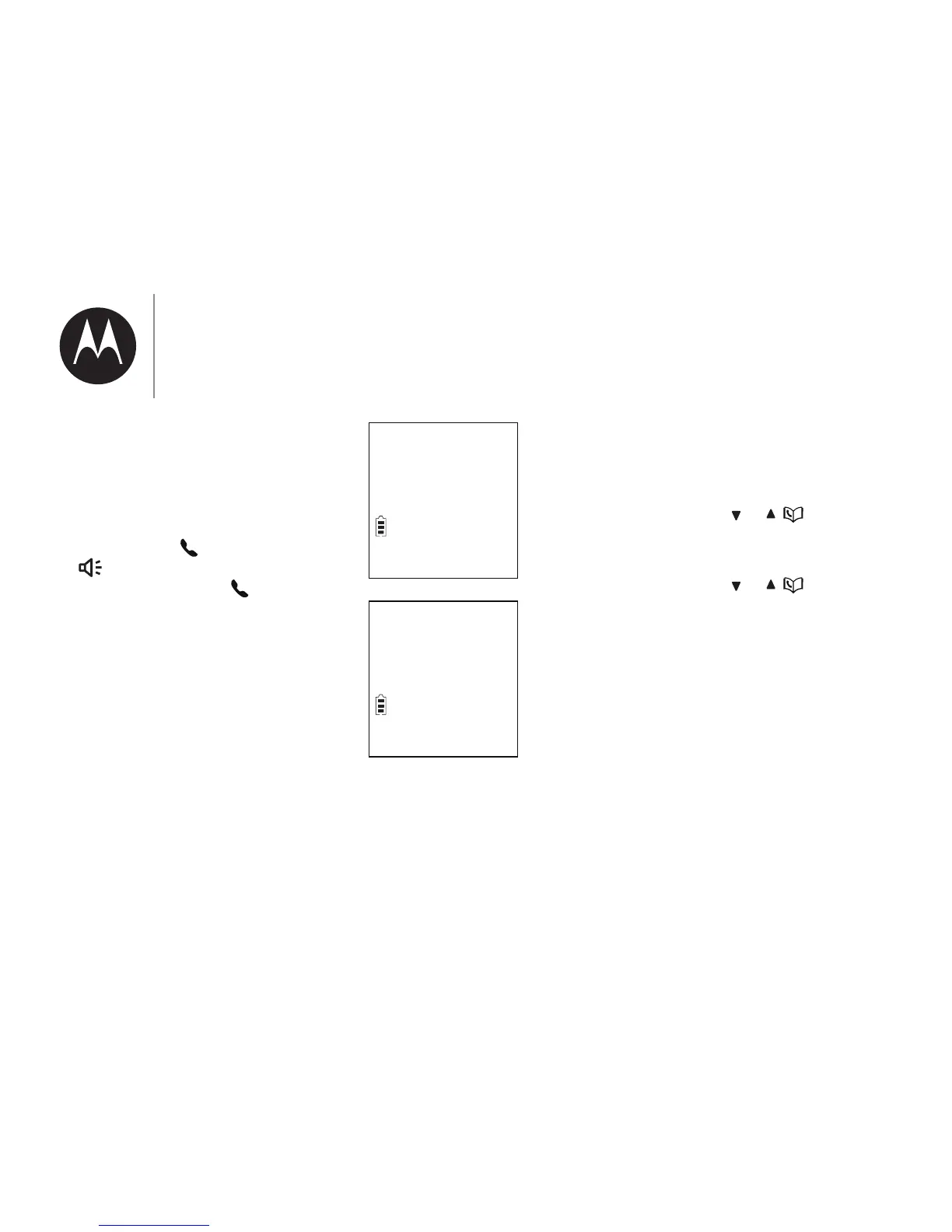
Mike Smith
ECO
888-331-3383
Delete entry?
ECO
3. Press SELECT|o1omCulĺ$_;
screen displays Deleting.... You
_;-u-1omCul-ঞom|om;-m7
then the handset returns to
previous menu.
Delete all directory entries
1. Press MENU when the handset
is not in use.
2. Press CID/
or / to choose
Directory, and then press
SELECT.
3. Press CID/
or / to choose
Delete all, and then press
SELECT.
• The handset displays Delete all?.
Press SELECT|o1omCulĺ$_;
screen displays Deleting.... You
_;-u-1omCul-ঞom|om;-m7
then the handset returns to
previous menu.
&vbm]|_;r_om;


 To Next Page