10 Getting to know your phone
2. Getting to know your phone
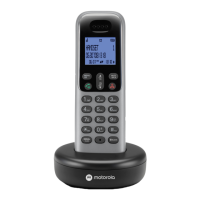
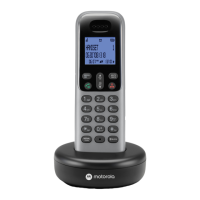
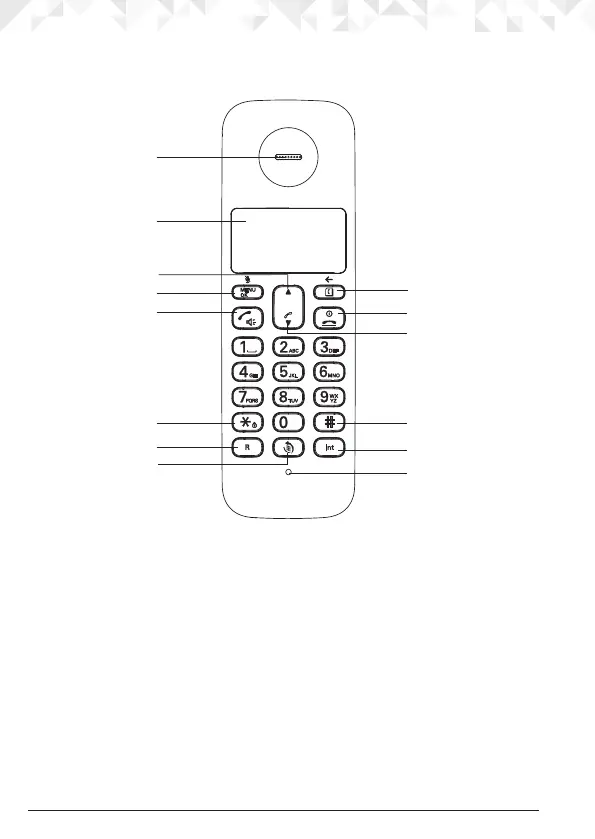
Overview of your handset
A Earpiece
B Display
See page 12 for an overview of the display icons.
C Up
During a call, press to increase earpiece volume.
When the phone is ringing, press to increase the handset ringer
volume.
Press to scroll through the menu options, redial list, calls list and phonebook entries.
D Menu / OK / Mute
Press to open the Menu.
Press to select menu options and to conrm a displayed option.
During a call, press to turn mute on / o.
In standby mode, press and hold
M to switch handset idle screen between
handset name or time.
A
B
D
C
E
F
G
H
I
N
J
K
L
M



 To Next Page
 Loading...