52 53
Personalise your Cookeo Touch
Using the "Settings" menu, you can:
•
adjust the brightness,
•
turn the sound on or o,
•
select country and language,
•
understand your Cookeo Touch's connectivity.
This is a QR Code. By scanning the QR code
with the camera of your mobile phone
or a special app,
you can access the Cookeo Touch playlist
on YouTube.
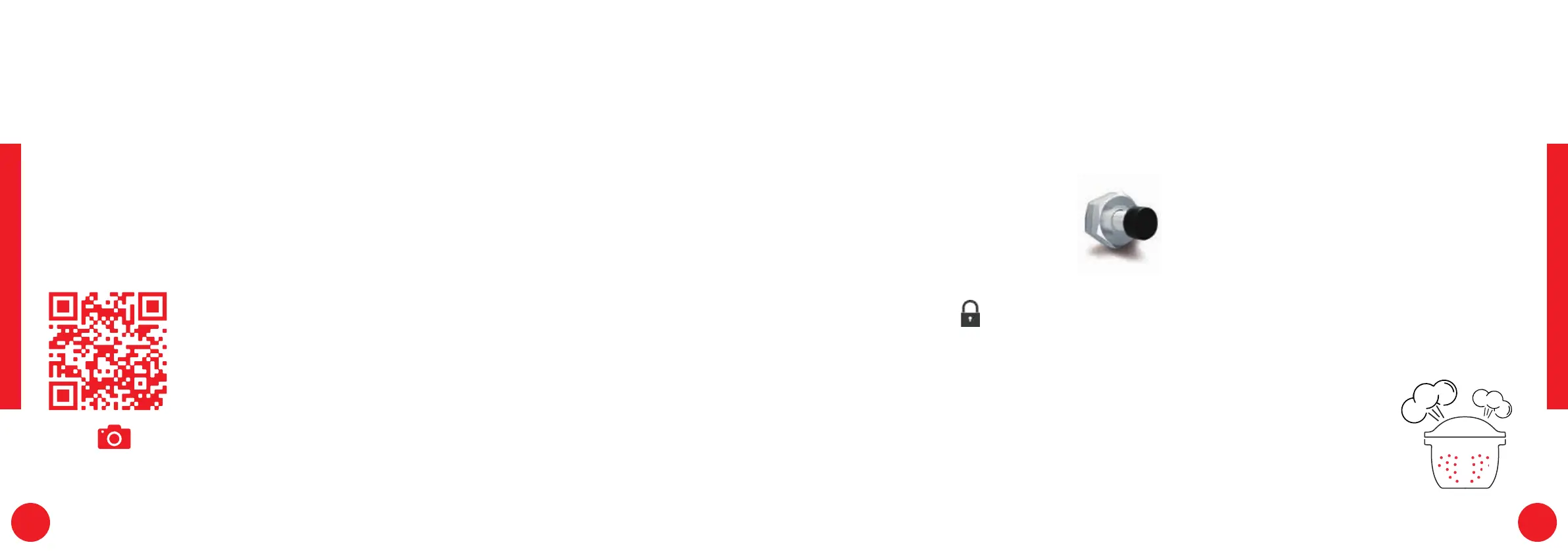
Safe opening:
The locking rod is a safety
system that automatically
locks the Cookeo Touch
as soon as it is pressed.
The Cookeo Touch is locked
when the icon
appears
on the touch screen.
Do not open the Cookeo Touch when
it is locked.
Wait for the internal pressure
to drop before opening the lid.
The internal pressure has dropped
when there is no more steam
coming out of the valve.
Safety in case of too much pressure:
If the pressure is too high,
the Cookeo Touch can
release pressure automatically
through the safety valve.
Safety features
The Cookeo Touch has several safety features.
Open
and scan



 To Next Page