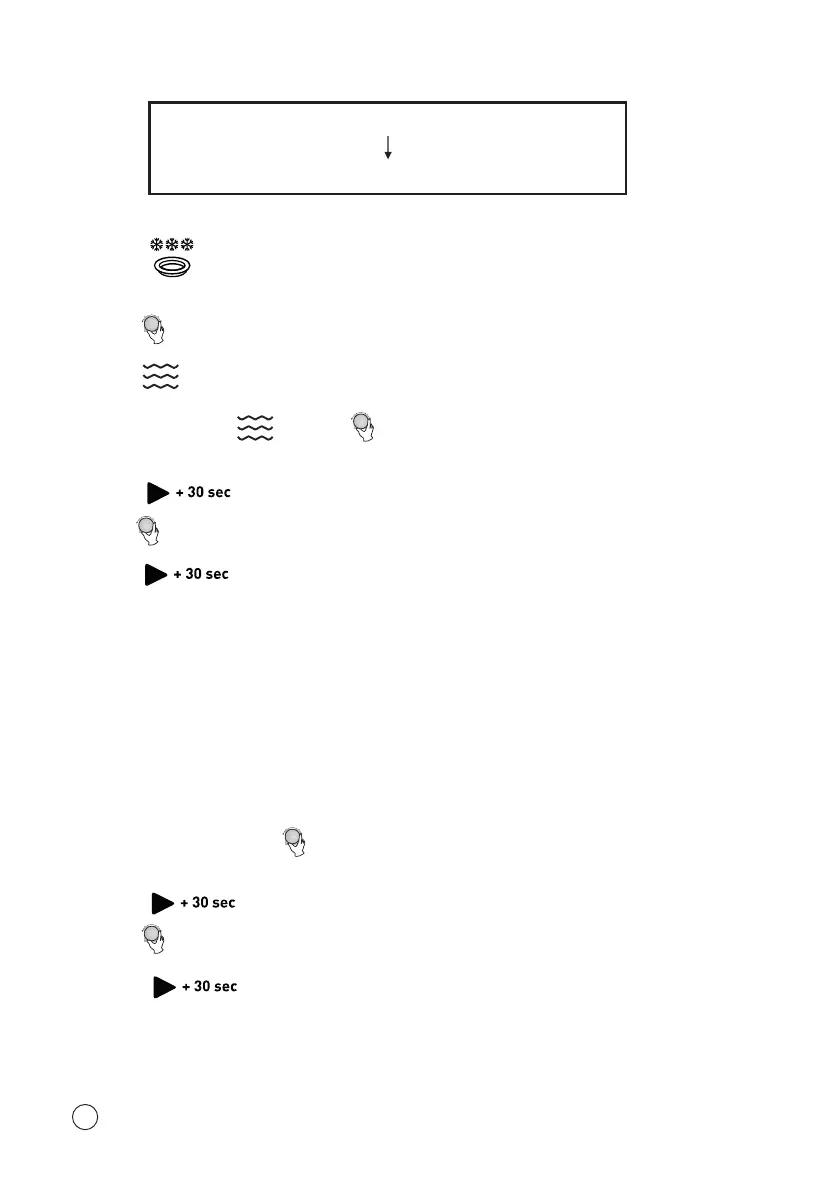
Defrosting (for 5 minutes)
Microwave cooking (80% power level for 7 minutes)
Suppose you want to set the following cooking programme:
1. Press twice.
“d02” will be shown on the display.
2. Turn to select the defrosting time until “5:00” is shown on the display.
3. Press once.
4. Repeatedly press or turn to select the microwave power level until
“P80” is displayed.
5. Press to confirm.
6. Turn to select the cooking time until “7:00” displays.
7. Press to start cooking.
NOTE: After one cooking stage is finished, a beep sound will be heard, indicating the
next cooking stage has begun.
Auto Menu
For the food in the following table, it is not necessary to programme the cooking
power and time. Take the following steps:
1. In standby state, turn clockwise to select the desired menu from the table
below.
2. Press to confirm.
3. Turn to select the food weight.
4. Press to start cooking.
16






 To Next Page