ADJUST DISPENSING AMOUNT
The adjustment stop on the Lever allows you to
set the opening on the bottom of the hopper to the
amount of material you wish to dispense. Set the
adjustment stop on the Lever to the desired opening.
ADD MATERIAL
Add desired material such as feed, fertilizer, seed,
etc. to the hopper. Cover the hopper with the
plastic cover to prevent spillage.
SPREAD MATERIAL
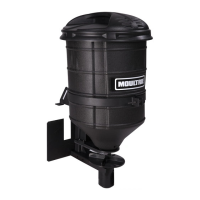
You are now ready to use the Food Plot
Spreader. Turn the motor switch to the “On”
position. If the motor will not spin, check the
battery connections. While driving forward,
push Lever to open Gate. Pull Lever to close Gate.
CLEAN AND STORE SPREADER
Completely wash and dry the Food Plot Spreader. A light coat of oil on metal parts and motor will
help prevent rusting. Store Spreader in a dry location.
OPERATING INSTRUCTIONS
BE SURE SWITCH IS IN THE OFF POSITION.
Plug the provided Power Cable into the wire connector on the motor.
Attach the positive alligator clip to the positive battery terminal and the negative alligator clip to the
negative battery terminal on the ATV.
CONNECT POWER CABLE
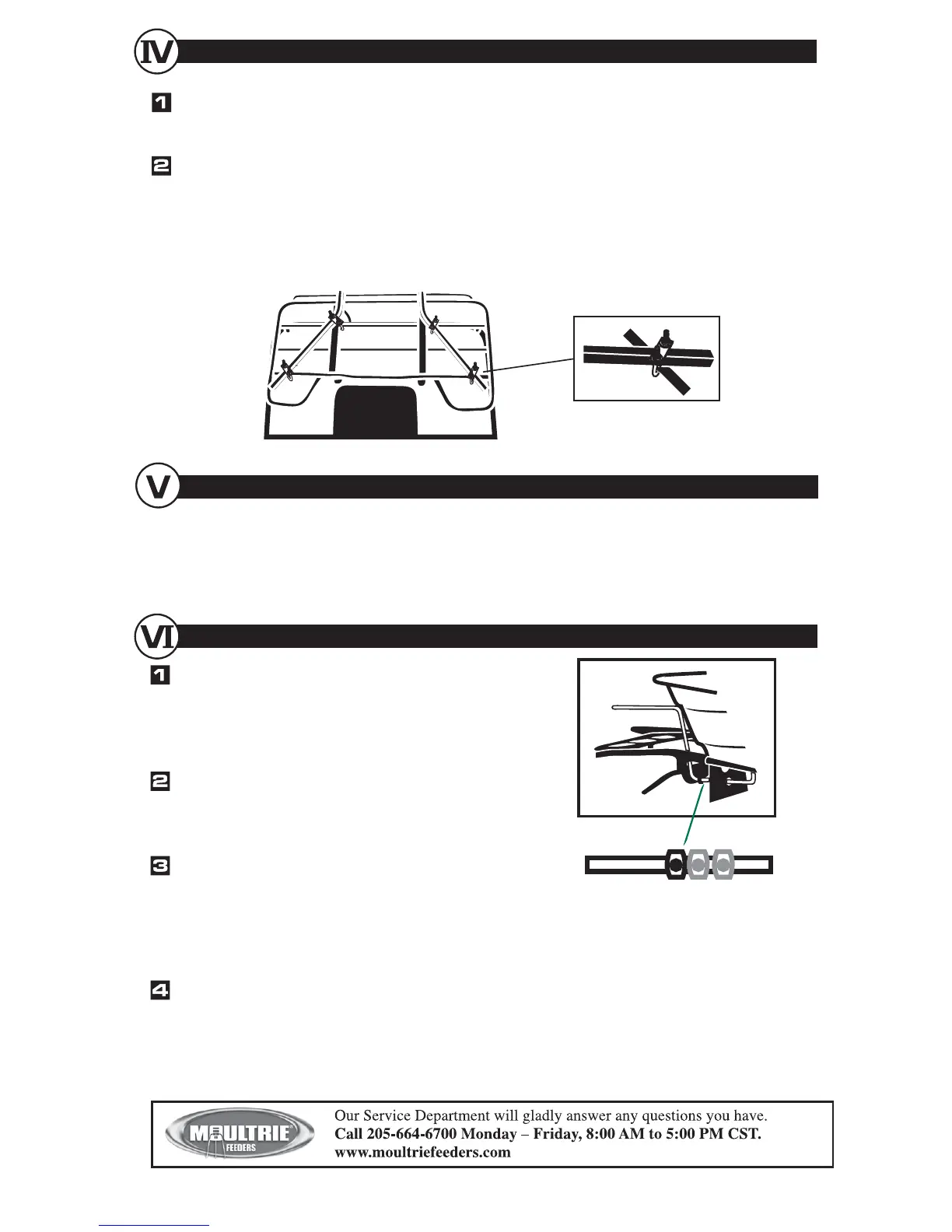
Slide the two square channel Mounting Tubes onto the frame assembly such that they angle out - away
from the Spreader. Insert the C clips into the holes on the Mounting Tabs. Pull the Lever all the way
out (fully closed).
Hold the fully assembled Food Plot Spreader over the rear rack of the ATV such that there is
approximately a 1” gap between the Lever and the rear of ATV rack. Use the provided four U bolts,
top plates, and nuts to clamp the locations in which the Mounting Tube cross/intersect the bars on the
ATV rack.
Once the U bolts are connected, the C clips may be removed for a quick disconnect of the Food Plot
Spreader.
MOUNT ON ATV RACK
032005R05 / MFK-FPS



 To Previous Page
 Loading...