GENERAL
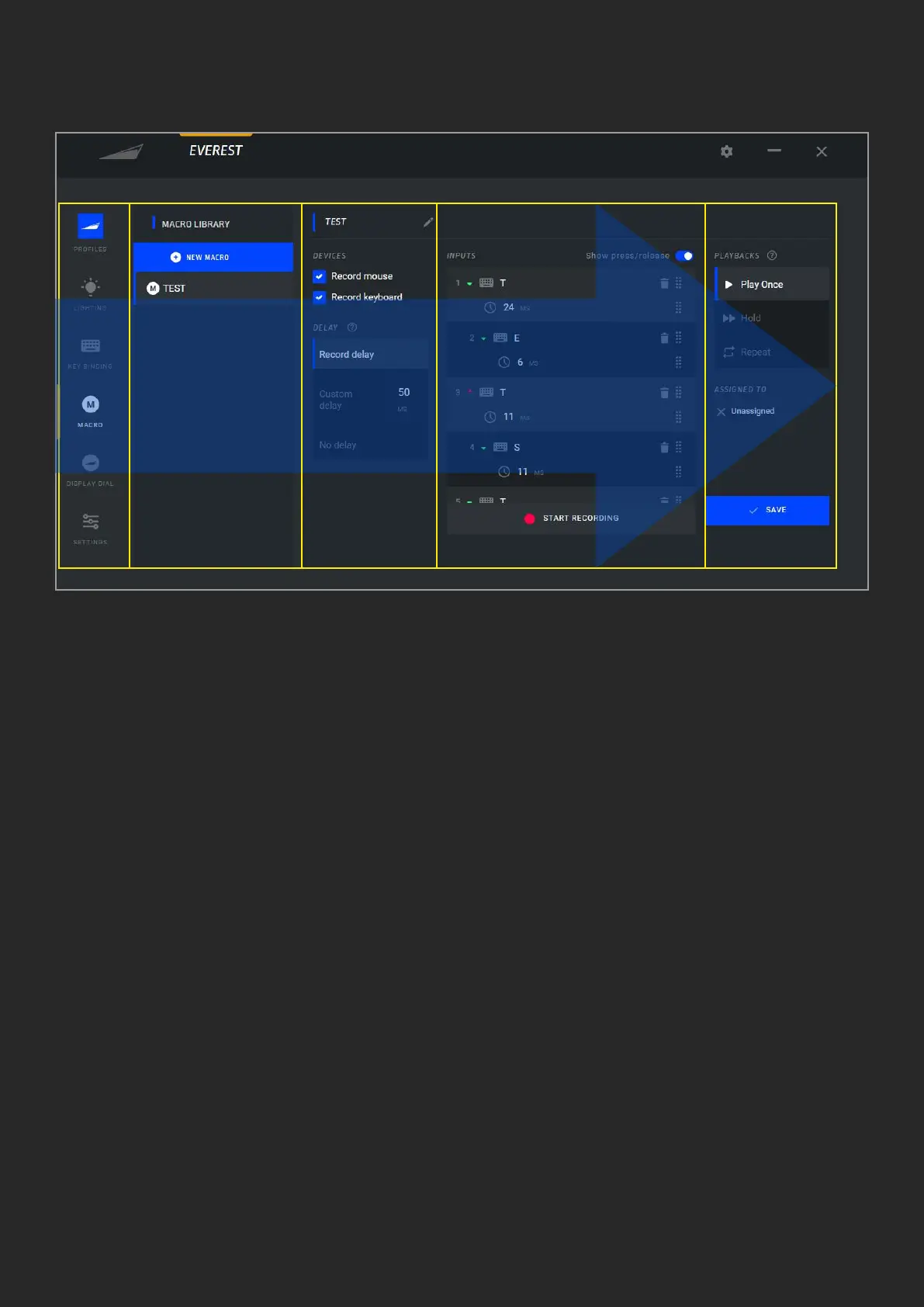
Base Camp’s user-centric design was
specically created to be as easy and
straight forward as possible. It ows from
left to right, so that every conguration
you’d like to make starts on the left
hand side and walks through submenus
to the right. The image below shows the
recording of a macro in 5 easy steps that
include:
1. Choosing the Macro menu,
2. Creating a new Macro,
3. Selection of the devices to be recorded,
4. Recording
5. Playback settings and saving.
1 2 3 4 5



 To Next Page