12
English
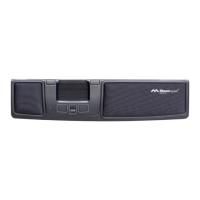
Control pad end position – When the control
pad reaches the end position (at the side),
the cursor automatically moves to the edge of
the screen. This happens especially when the
cursor speed is set to slow. This function can
be disabled with the help of the application
MT Keys.
Change button functions
The button functions and control pad can be
reprogrammed with the application MT Keys,
which can be downloaded from www.mouse-
trapper.com. MT Keys is only used to check or
change button functions.
Cleaning
The control pad should be cleaned regularly
with Mousetrapper cleaning wipes to prevent
dirt and dust impairing the Mousetrapper’s
performance. Switch o the Mousetrapper or
your computer before cleaning. The wrist sup-
port on the advance+ can be cleaned with Liv
surface disinfectant 70, Daxs Surface Disinfec-
tant Plus, Des 45+ surface disinfectant or 85 %
alcohol. Do not use acetone.


 To Next Page