27
OPERATING INSTRUCTIONS
ELECTRONIC MODULE
AIR BIKE
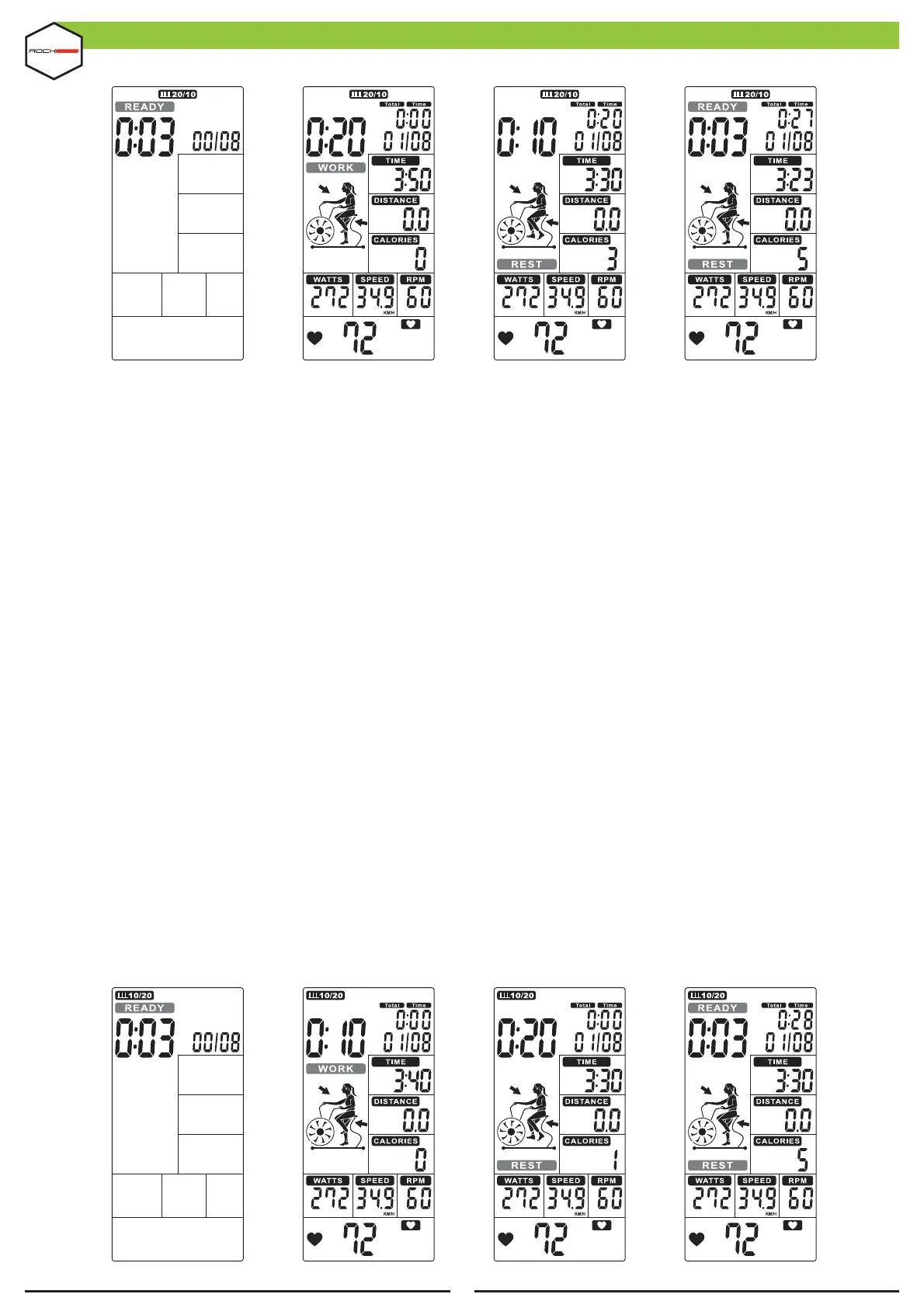
FIGURE 28 FIGURE 29 FIGURE 30 FIGURE 31
10/20 INTERVAL
•
Press the 10/20 INTERVAL (KEY 18), the 10/20 INTERVAL display will light up. An audible alert will sound
for 1s.
•
The time counts down from 3 to 0, then the console will start, while an audible alert will sound once
per second and the word READY #ashes once per second, displaying the count '00 / 08' (Figure 28).
•
The cycle time counts down from 10 to 0 and the word WORK #ashes once per second. Meanwhile, the
Display shows a 4 minute rotation and countdown animation. Then, TIME (DISPLAY 3), DISTANCE (DISPLAY
4), CALORIES (DISPLAY 5), WATTS (DISPLAY 6), SPEED (DISPLAY 2) AND RPM (DISPLAY 1) start counting, the
display will show '01/08' (Figure 29).
•
The cycle time counts down from 10 to 0 and the word REST blinks once per second along with 10 beeps
(Figure 30), while the word READY blinks for the last 3s (Figure 31).
•
The above information continues to count the cycle and adds 1 for each complete cycle, until displaying
08/08 WORK until completing the workout and going to the !nal display.
•
Press the START (KEY 8) once to enter the PAUSE mode, an audible alert will sound for 0.5s every 30s.
All values are shown on the display and will #ash every 4s. If training is stopped for 5 minutes, the audible
alert will sound for 2s and go into standby mode. Press START (KEY 8) to resume training.
•
Press STOP (KEY 9) to end the training, the audible alert will sound for 1s and display TIME (DISPLAY 3),
DISTANCE (DISPLAY 4), CALORIES (DISPLAY 5) for 30s and WATT (DISPLAY 6), SPEED (DISPLAY 2) and RPM
(DISPLAY 1) change to display AVG. & MAX. The HEART RATE display (DISPLAY 7) will change to display 65%,
85% MAX (Figure 21 ~ 23) every 5s.
•
If the heart rate signal is detected, the PULSE display (DISPLAY 7) will show the user rate of 65%, 85%
MAX (Figure 21 ~ 23). If there is no signal, nothing will be displayed. (Figure 19~20).
FIGURE 24 FIGURE 25 FIGURE 26 FIGURE 27


 To Next Page