OPERATING INSTRUCTIONS
32
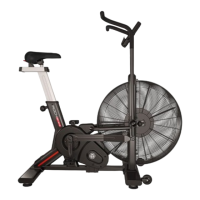
AIR BIKE
ELECTRONIC MODULE
CONFIGURATION OPTIONS
1.
Hold the START key (KEY 8) and ENTER (KEY 19) for 2s, an audible alert will sound. SPEED will light up
and can change between m / h, km / h (miles per hour or kilometers per hour) (Figure 50 ~ 51).
2.
Press up or down (KEY 10 or 11) to select km/h or m/h.
3.
Press ENTER (KEY 19) to con!rm and !nish the con!guration.
4.
If nothing is done, the console will go into standby mode.
CONSOLE RESET
1.
In any mode press the STOP key (KEY 9) for 2 seconds, the console will reset all stored data.
2. The display will blink for 2 seconds and emit an audible alert for 2 seconds.
STAND BY
If no action is taken on the console, it will automatically go into standby mode.
FIGURE 50 FIGURE 51
AA type batteries
BATTERY MAINTENANCE
Remove the battery from the equipment if it will remain
unused for a long time.
Never store the battery in locations exposed to heat and
moisture. This prevents your content from leaking.
The responsibility for properly collecting and shipping the
battery after use rests with the Manufacturer. Therefore, the
materials used must be delivered to the establishments that
sell them or to the Authorized Points, so that they transfer
the waste to the Manufacturers.


 To Next Page