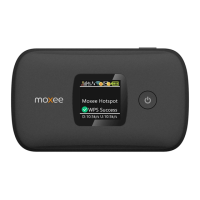
7. Power Button
8. Micro USB
9. Battery cover
10. The point of removing the back cover
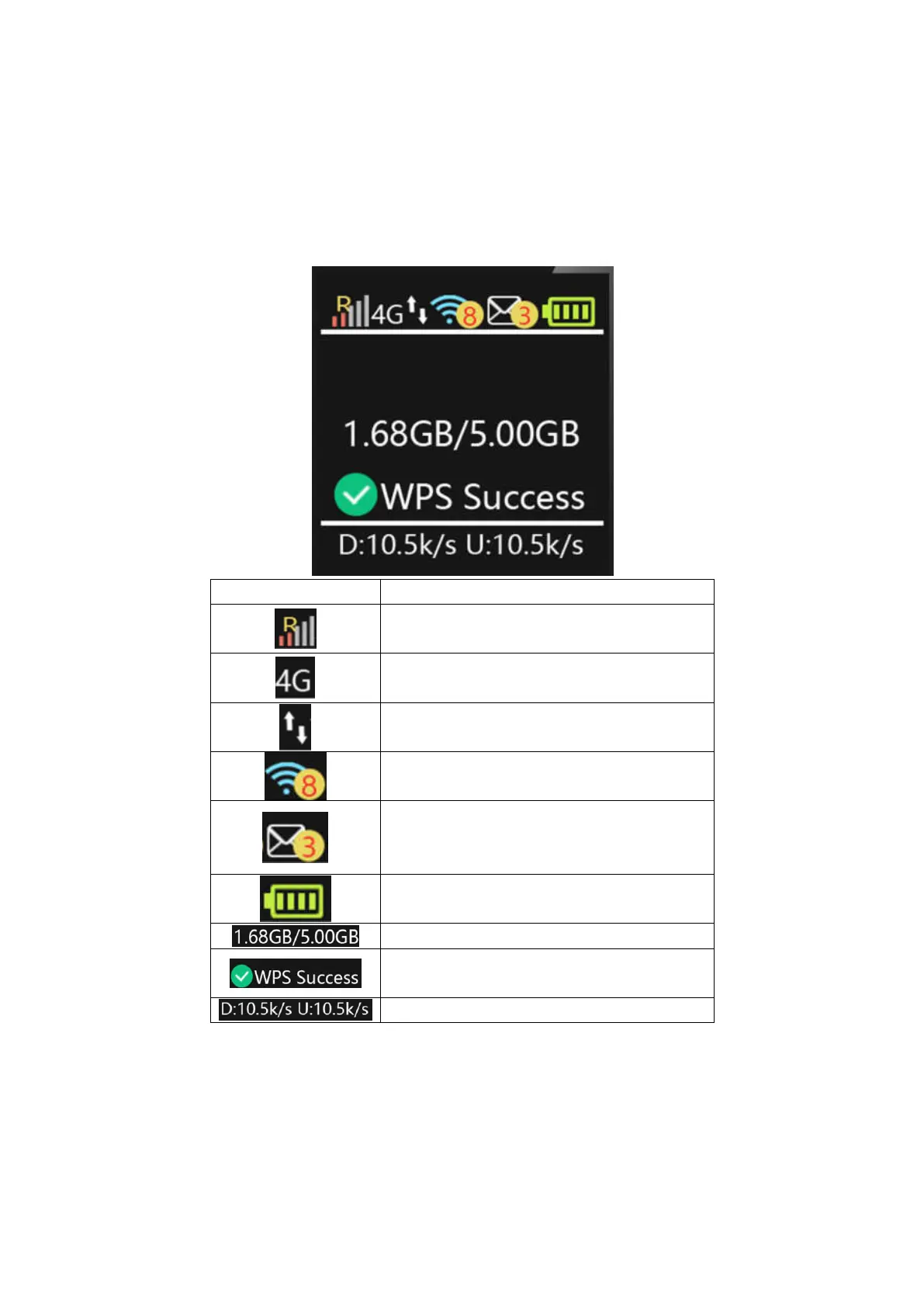
Screen Indicators
Icon Description
Signal and Roaming status icon
Network mode icon
Data flow icon
Wi-Fi signal and number of access users
The number of unread message,maximum is
100
Battery capacity icon, if battery capacity is
lower than 25%, this icon is red.
Data Statistics, used/total
WPS status indicator
Download and upload Data Speed
Hardware Installation


 To Next Page