3
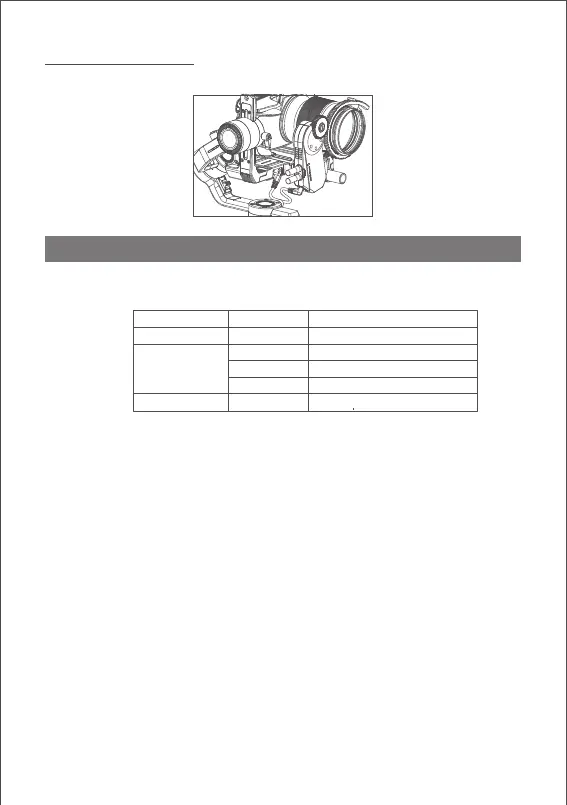
Connect iFocus to MOZA Air 2 with Multi CAN cable.
1. System Status Indicator
2.Charging
Charge the iFocus with USB-C. Then LED light turns blue. When fully charging, the
light goes off automatically.
When connecting iFocus to MOZA Air2 with Multi-CAN cable, Air 2 can charge
iFocus.
3.Turn on and turn off
Long press the power button for 1 second, and the light turns green. The motor
turns on.
Long press the power button for 1 second and red light blinks twice. The motor
turns off.
4.Route Calibration
Mark the total distance of the lens focus ring by route calibration before using the
iFocus to avoid rotating the motor over the route of lens focus ring.
The motor remembers your last calibration and does not need to be re-calibrated
every time it is turned on unless you change the motor position or remount it after
the motor has been shut off.
The operations of route calibration are as follows:
a. Enter the Air 2 menu, and select Advanced>iFocus>Turn off to turn off the
iFocus motor.
b. Manually rotate the lens to the start point, then select Advanced>iFocus>Start
point to confirm the start point.
Functions of MOZA iFocus
3. Connect to MOZA Air 2
The description of LED:
State LED Description
Upgrading Mode
White light
Firmware Upgrade Mode
On
Green blinks
Bluetooth blinks
Remaining capacity over 70%
Remaining capacity: 30%~70%
Red blinks Battery low
Off Blue solid light Charging



 To Next Page