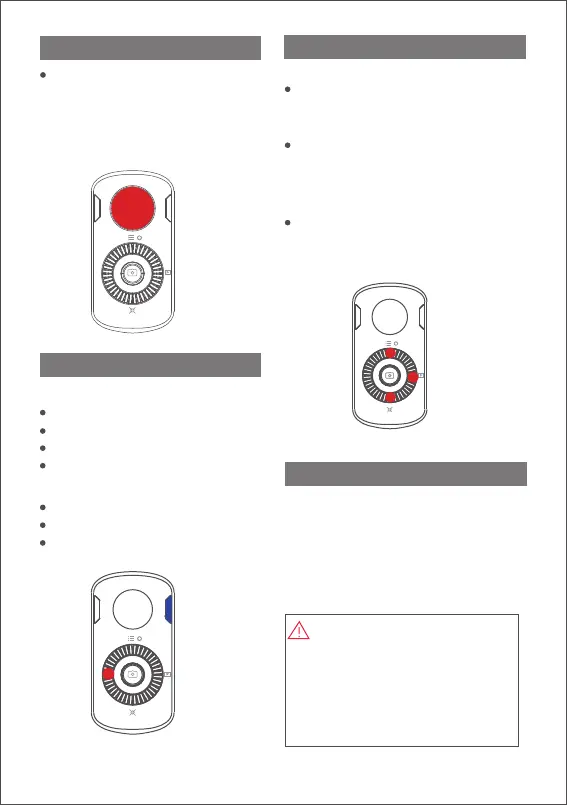
Joystick
Move the joystick
upwards/downwards/leftwards/
rightwards to control the
movement of phone camera.
Rotating speed depends how
fast you move the joystick.
FM
You can directly scan the QR code to
download the "MOZA Genie" ( Android
5.0 or above, IOs 9.0 or above ), or you
can directly search the "MOZA Genie" in
the App store & Google Play to
download it. (please see app download
QR code at the end of the page.)
1. The app "MOZA Genie"
customized for MOZA Mini-MI can
help you make better use of the
various functions of the gimbal.
2. Please take the latest version of
app as the standard. Updates are
not subject to notice.
Download APP
Status Indicator
Upper light is on: pitch follow
Upper light is off: pitch lock
Lower light is on: yaw follow
Lower light is off: yaw lock
Lower button of the dial wheel
Double press: re-center (back to the
starting point)
Upper button
Triple press the upper button to switch
to the Inception Mode. (Then move
the joystick leftwards or rightwards to
rotate the phone)
Right button
Double press the right button to switch
to the Sport Gear Mode
(In Sport Gear Mode, the speed of
yaw follow is very fast)
Follow Modes
Quick Operation
Left button of the dial wheel
Double press: yaw lock/follow
Triple press: pitch lock/follow
Long press: roll follow
3
FM
FM



 To Next Page