9
Button Features
Simplified Operation
Down Button
• Double press: Sports gear mode, double press again to exit sports
gear mode
• Triple press: Inception mode, Triple press again to exit inception
mode
Joystick
• Move upwards: phone camera turns up
• Move downwards: phone camera turns down
• Move leftwards: phone camera turns left
• Move rightwards: phone camera turns right
• The speed of camera moving increases with the larger moving
range of joystick
Follow Function
• Left Button
Press twice the left button: FPV mode. Press twice again to stop
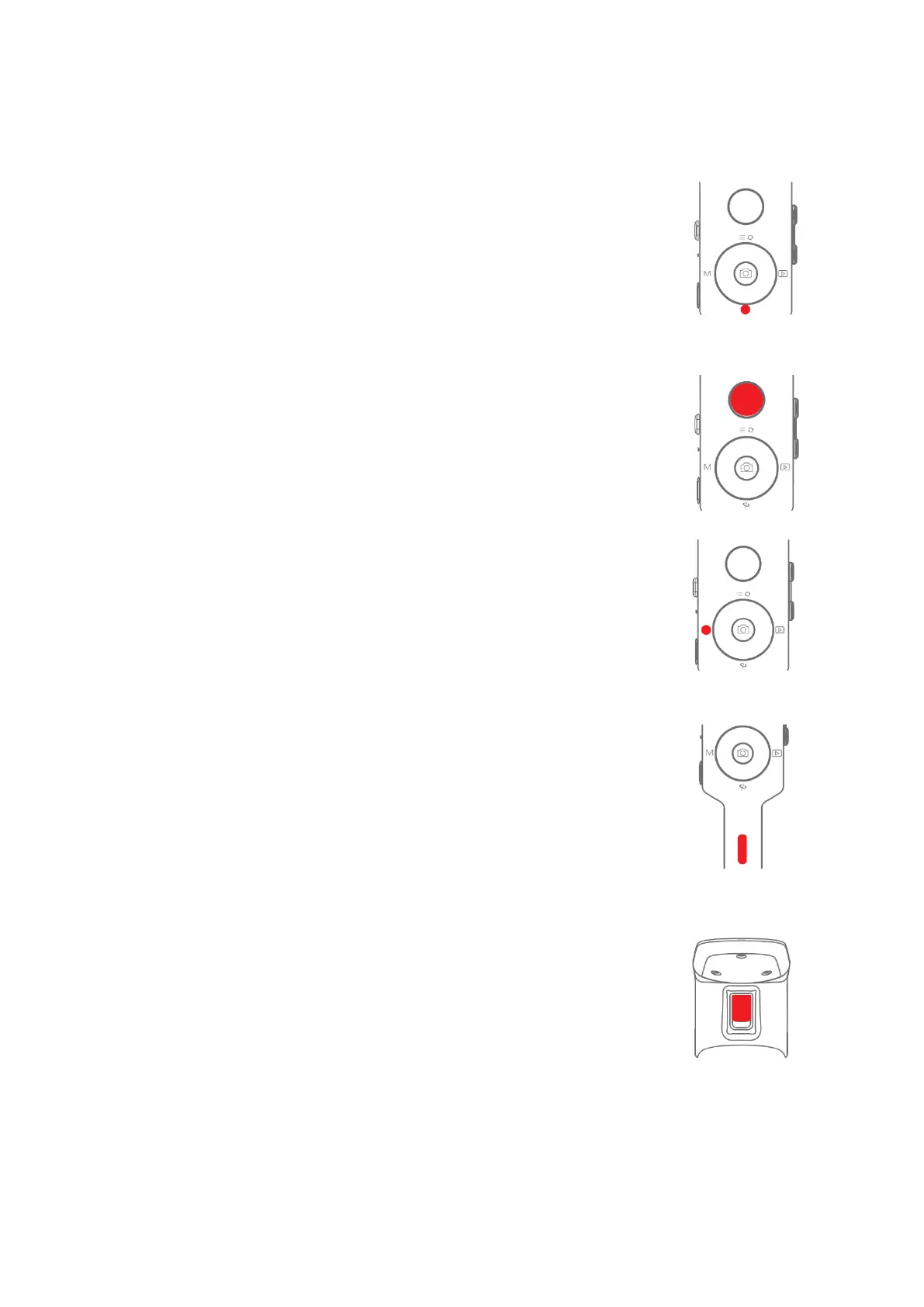
Check the Battery Level
Status Indicator
• Blue light is always on: 60%-100% battery level
• Blue light flashes slowly: 20%-60%battery level
• Blue light flashes quickly: 0%-20% battery level
• Orange light flashes slowly: Gimbal motor enters to sleep mode
• Blue and orange lights flash quickly: FPV mode
• Blue and orange lights flash slowly in turn: Firmware upgrade mode
• The red light is always on: Charging
• The red light is off: Charging Completed
Trigger
• Double press: Re-center
• Single press: Auto focus (some cameras are not supported)
• Triple press: Switch to selfie mode
• Hold: Switch to tilt follow mode
• Double press and hold: Switch to All-locked mode



 To Next Page