Page 11
Note
All Music/Artist/Album/Genre items are sorted by ID3 tag. When device is turned on, playlist automatically updated.
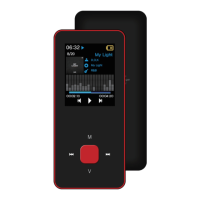
On music playback mode, short press 【M】 to enter submenu and short press 【Forward/Backward】
to select your desired mode.
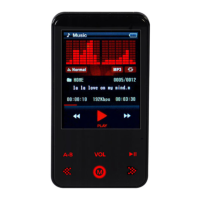
Select “Music” on main menu and press [▶] to enter.
Press 【Forward/Backward】 to select music files and press [▶] to playback and pause.
Music Playback Submenu
Music


 To Next Page