Page 13
Set the step siz
e and weight
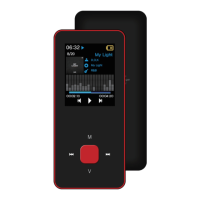
Long press 【M】 to enter submenu and short press 【Forward/Backward】to select your step size or
weight. Then short press [▶] to confirm your choice.
In the pedometer interface,
Short press [Backward] to start pedometer, the player will show steps, distance, speed, calorie after moving.
Short press [Backward] again, pedometer will be suspended.
Short press [Forward], all data will be deleted.
Use a pedometer
Select “Pedometer” on main menu and press [▶] to enter.
Pedometer


 To Next Page