Page 17
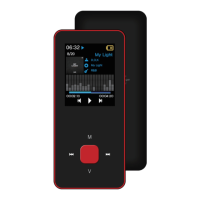
Select file/folder, long press 【M】 to enter pop-up menu and select move, copy or delete according to
user’s preference.
Setting
Select “Browser” on main menu and press [▶] to enter.
Browse image files from external or internal memory and choose your desired files including video files,
music files, photo files, recorded files, etc.
Browser


 To Next Page