Page 8
CAUTION
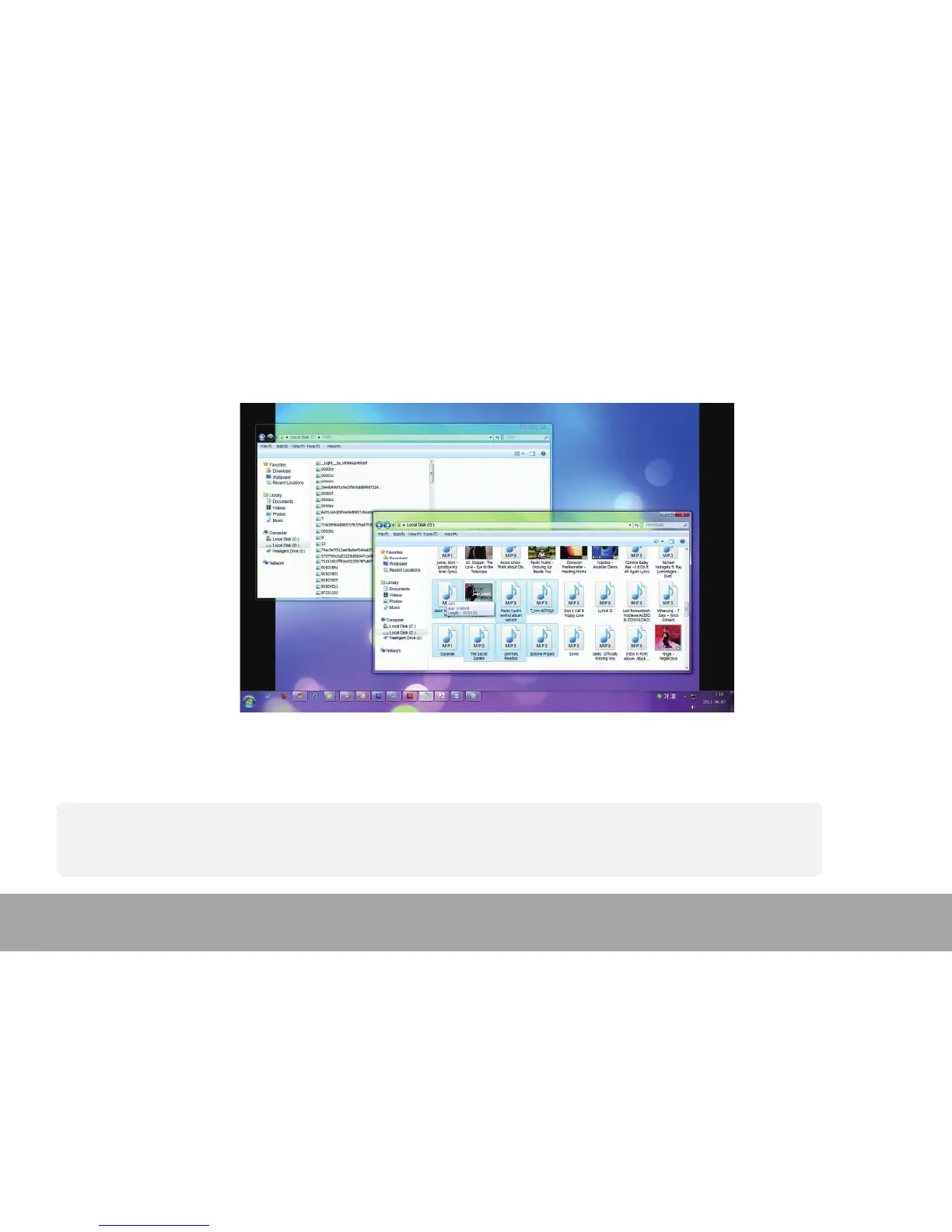
1. Do not disconnect device while les are being transferred.
2. Do not press [M/Play] key while transferring les, or it can cause data loss or damage to the device.
- Follow the steps to avoid damaging device or losing data.
1. Left click mouse on the icon that is on the taskbar at the bottom right corner of the desktop.
2. Click "Safely remove USB Mass storage Device”.
3. Disconnect the player from your computer.
Disconnecting device from PC


 To Next Page