Page 6
Basic operations
Adding/Removing files/Folders
- you can use the player as a removable USB storage.
1. Plug SD card into the card slot
2. Connect the PC USB port and the player USB port
with the provided USB cable.
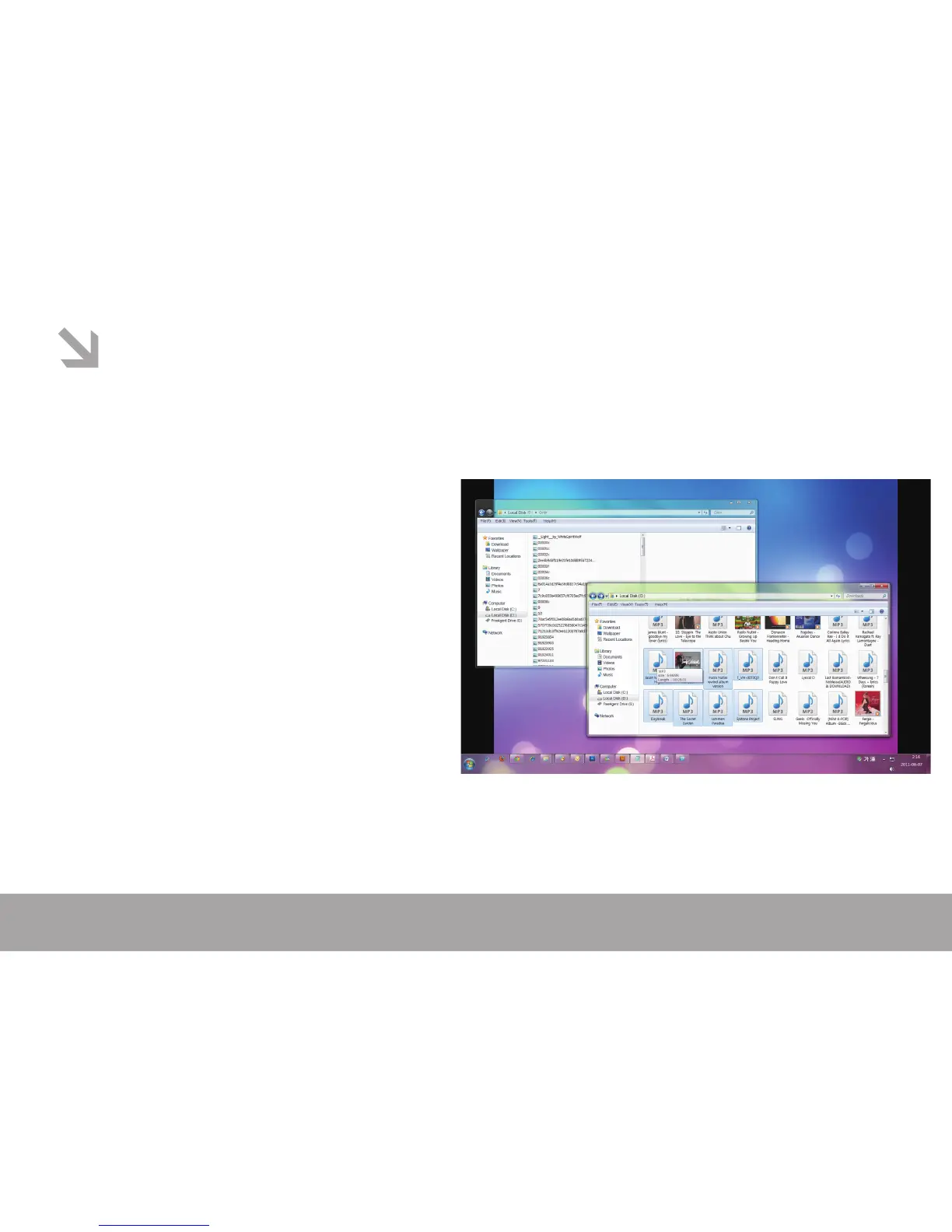
3. Add les/folders to the USB storage‘s folder. Select
”USB Disk” or “MTP Device”,
Ⅰ. Open les/folders to transfer from your
computer.
Ⅱ. Open My Computer → Removable Disk from the
desktop.
Ⅲ. Select the les/folders to transfer from your
computer and draw and put them to a folder of your
choice in the Removable Disk (you also can transfer
les on your PC to the player using the "Copy" and
"Paste" functions).
4. Delete les from the removable USB storage (use the
"Delete" command).



 To Next Page