4
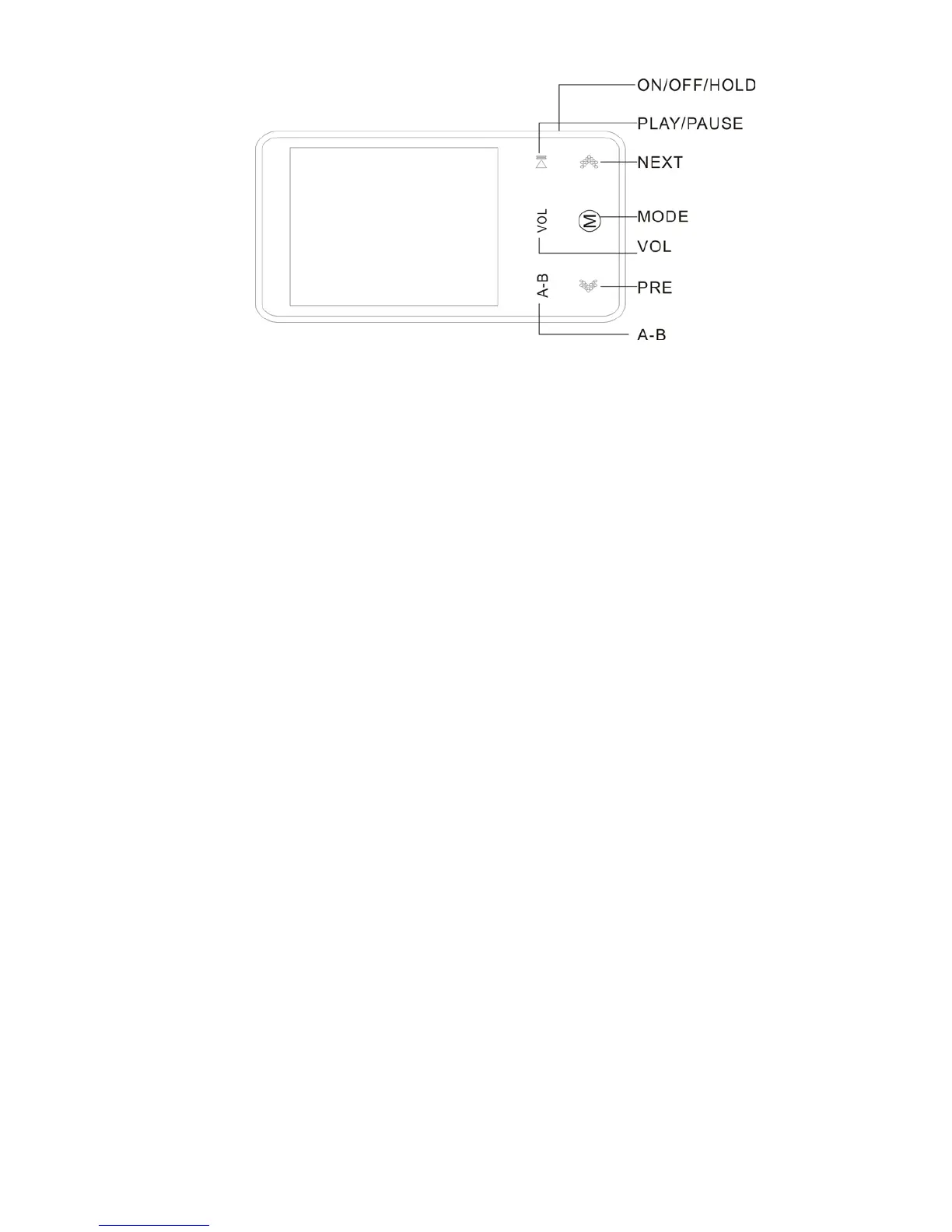
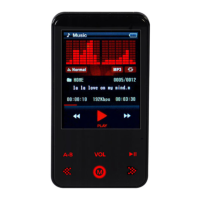
3, appearance and button
Button explanation:
ON/OFF/HOLD
- Power on : Slide right to turn on the power
- Power off : Slide right and hold for one second or longer to turn off
- Hold function : Slide left to the lock icon. The hold icon is displayed and no button can be
operated.
- Slide the button to the center to release the lock function.
MODE : Press [<< , >>] buttons in the main menu to go to the desired menu, and then [M]
button to confirm. Press [M] button while listening to music, viewing video, photo or text file


 To Next Page