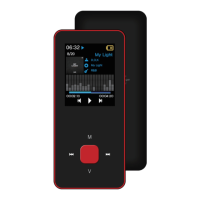
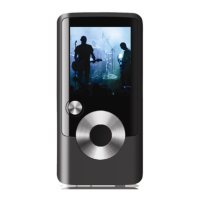
5
to move by the order of [File search] – [Current menu]. However, pressing the [M] button for
a long time will make you go back to the main menu.
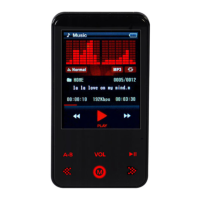
A-B (AB replies and reads) : In music play mode, press this key to define the starting point A,
press this key again to define the destination B. Music will be played between A and B
points repeatedly. If you want to cancel AB repeat press this key again.
PRE / NEXT :
Fast forward/Rewind
When you press and hold [<<,>>] button while music is playing, the status icon
changeS and it quickly moves to the beginning/end of the music.
(Normally resumed at the point where the button is released).
Moving to the previous/next music.
Pressing the [<<,>>] buttons will make you move to the pre/next music.


 To Next Page